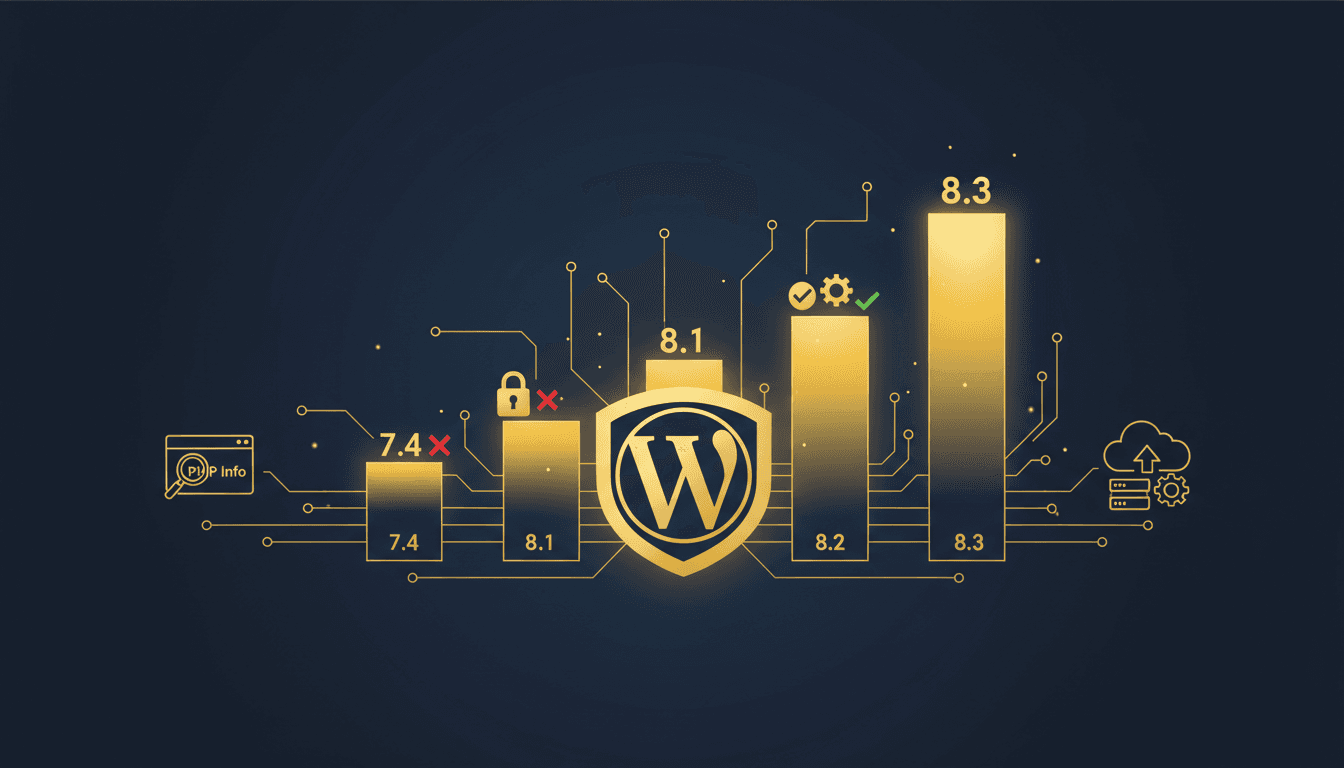
PHP 8.4 is the right default for most WordPress sites in 2026, and PHP 8.5 is the right choice if your plugins are current. Both are still in active support, which means they receive bug fixes rather than security patches alone. WordPress.org now recommends PHP 8.3 or greater, so 8.3 is the floor rather than the target.
What PHP Version Does WordPress Support?
WordPress.org's official requirements page recommends PHP 8.3 or greater, paired with MariaDB 10.11+ or MySQL 8.0+.
WordPress still operates on PHP 7.4+ and MySQL 5.5.5+, but the project explicitly flags those as past end-of-life and a security exposure. Treat the legacy floor as "the site will boot," not "this is supported."
That distinction matters because a lot of hosting advice (including older versions of this article) conflates the two. Running the minimum is not the same as running something maintained.
WordPress core tends to add support for a new PHP release within a few months of that release, but plugin authors move slower. That lag, not core compatibility, is what determines how fast you can upgrade.
PHP Support Status in 2026
Support status is the decision driver, and unlike benchmark numbers it is a published fact. Here is where every relevant branch stands, per php.net's supported versions page:
| PHP Version | Released | Active Support Until | Security Support Until | Status Today |
|---|---|---|---|---|
| PHP 8.1 and below | End-of-life, no patches | |||
| PHP 8.2 | Dec 8, 2022 | Dec 31, 2024 | Dec 31, 2026 | Security-only, expires this year |
| PHP 8.3 | Nov 23, 2023 | Dec 31, 2025 | Dec 31, 2027 | Security-only |
| PHP 8.4 | Nov 21, 2024 | Dec 31, 2026 | Dec 31, 2028 | Active support |
| PHP 8.5 | Nov 20, 2025 | Dec 31, 2027 | Dec 31, 2029 | Active support, current release |
Each PHP branch gets two years of active support (bug fixes and security fixes), then two more years of security-only fixes. After that, nothing.
The practical read: PHP 8.2 is the urgent one. It stops receiving any patches at the end of this year. If you are on 8.2 today, you have a migration to plan, not a performance decision to weigh.
PHP Version Performance: What Actually Changes
Version-to-version PHP performance gains are real but frequently oversold in hosting marketing. Here is the shape of it.
The 7.4 to 8.x jump is large. PHP 8.0 brought the JIT compiler and substantial engine improvements, and sites moving off 7.4 typically see meaningful reductions in PHP execution time. The 8.3 to 8.5 jump is modest: recent releases deliver incremental engine and opcache refinements, generally in the single-digit percentage range for typical WordPress workloads.
The reason is structural. On a normal WordPress page load, most wall-clock time goes to database queries, external HTTP calls, and disk I/O rather than PHP execution. Cutting PHP execution time by 8% on a request that spends 70% of its time waiting on MySQL moves the total very little.
So if your site is slow on PHP 8.3, the PHP version is not your problem. Object caching, query optimization, and plugin bloat will each move your load time more than a minor version bump. Our guides on why WordPress stays slow despite optimization and speeding up WordPress cover the changes that matter most.
Upgrade PHP because unsupported software is a security liability. Treat the speed gain as a bonus.
How to Check Your Current PHP Version
WordPress Dashboard Method
Navigate to Tools > Site Health > Info > Server in your WordPress admin. Your PHP version is listed there, along with a warning if you are running something WordPress considers outdated.
WordPress also surfaces admin notices when you are on an unsupported version.
Programmatic PHP Version Check
For developers managing multiple installs:
// Get PHP version in WordPress
$php_version = phpversion();
echo 'Current PHP Version: ' . $php_version;

// Check against the 2026 recommended baseline
if (version_compare(PHP_VERSION, '8.4.0', '>=')) {
    echo 'PHP version is in active support';
} elseif (version_compare(PHP_VERSION, '8.3.0', '>=')) {
    echo 'PHP version is supported but security-only';
} else {
    echo 'PHP version needs upgrading';
}
This is useful for automated monitoring across a portfolio of sites, where the goal is catching the install that fell behind without anyone noticing.
Hosting Control Panel Check
Most hosts expose PHP version in their control panel. cPanel lists it under Software > Select PHP Version. Managed hosts generally provide a version switcher in their own dashboard.
TopSyde's managed WordPress hosting monitors PHP versions across every site we run and handles the upgrade path, so version drift doesn't accumulate.
Plugin Compatibility Across PHP Versions
Plugin compatibility is the constraint on upgrading, more than WordPress core or your theme.
There is no reliable published figure for what percentage of the plugin directory supports a given PHP version. The directory's "Tested up to" field refers to WordPress versions, not PHP, and plugin authors rarely declare a maximum PHP version at all. Be skeptical of any article citing a precise percentage here, including the earlier version of this one.
What you can check is concrete and per-plugin. Look at the last updated date, since a plugin updated within the last 6 months is very likely fine on 8.4. Check the active install count, because widely-used plugins get PHP compatibility bug reports fast. Search the plugin's support forum for "8.4" or "deprecated". And ask whether it's abandoned at all: an unmaintained plugin is a security problem regardless of PHP version.
WooCommerce, Yoast SEO, Elementor, and the other majors track current PHP releases closely. Risk concentrates in niche plugins, abandoned plugins, and custom code written years ago by a developer you no longer work with.
What Actually Breaks
The common failure modes when moving up the 8.x line:
- Deprecated dynamic properties (PHP 8.2+): writing to an undeclared object property now emits a deprecation notice. Noisy in logs, and fatal in code that treats notices as errors
- Removed legacy functions:
utf8_encode()andutf8_decode()were deprecated in 8.2, and several form and import plugins relied on them - Stricter type handling: code that passed loosely-typed values into internal functions may now throw
Most of these surface as deprecation notices before they become fatal errors, which is exactly why staging matters.
For a systematic approach to auditing what you're running, see our WordPress plugin audit guide.
How to Upgrade PHP Version Safely
Pre-Upgrade Preparation
- Full site backup: database, files, and configuration. See our WordPress backup guide
- Plugin inventory: every active plugin with its version and last-updated date
- Theme compatibility check, since custom and older commercial themes are a frequent source of fatal errors
- Custom code audit, covering anything in a child theme's
functions.phpor a site-specific plugin
Staging Environment Testing
Test in staging before touching production. A staging site with an identical plugin and theme set will surface almost everything.
With WP_DEBUG and WP_DEBUG_LOG enabled on staging, exercise:
- Frontend: page loads, forms, interactive elements
- Admin: dashboard, plugin settings, the block editor
- E-commerce: if running WooCommerce, complete a full test checkout
- Integrations: APIs, payment gateways, third-party services
Then read the debug log. Deprecation notices that appear on staging are the fatal errors you avoid in production.
Production Upgrade Process
- Schedule a window. The switch itself is near-instant, but leave room to roll back
- Take a fresh backup immediately before the change
- Enable error logging so you capture anything the staging pass missed
- Switch the PHP version via your host's control panel
- Test critical paths immediately: checkout, forms, login
- Review error logs rather than assuming silence means success
Post-Upgrade Monitoring
Watch for 24-48 hours: page load times, server error rates, plugin functionality, and any user-reported breakage. Most PHP upgrade problems appear within the first day, usually on a path that staging didn't exercise.
Hosting Provider PHP Management
Managed WordPress Hosting
Managed hosts generally provide one-click version switching, easy rollback, and staging environments that mirror the production PHP version. The version switcher plus a working staging site is what makes upgrades low-risk.
TopSyde's managed WordPress hosting runs PHP 8.5 and starts at $89/mo per site. We handle version upgrades and compatibility testing as part of the plan, so PHP support status is not something you have to track yourself.
Shared Hosting Limitations
Shared hosts often lag on new PHP releases, may require a support ticket to roll back, and leave compatibility entirely to you. If your host still doesn't offer PHP 8.4, that is a meaningful signal about how current the rest of their stack is. See signs it's time to switch WordPress hosts.
VPS and Dedicated Servers
Full control, full responsibility: you handle installation, extensions, security patching, and tuning. For agencies running many sites, the upside is a consistent, standardized environment across every client install.
PHP Version Security Considerations
Running an end-of-life PHP version means known vulnerabilities in your stack with no vendor patch available. That is the entire argument, and it doesn't require inflated numbers to make.
PHP 7.4 reached end-of-life on November 28, 2022, so it has gone unpatched for well over three years. PHP 8.0 and 8.1 are also past their security support windows, and vulnerabilities discovered in those branches now stay open.
This is why the upgrade is a security task first. A site on PHP 8.1 in 2026 is running unmaintained software, regardless of how well it seems to be working.
For broader hardening, see our WordPress security best practices guide.
PHP Version Recommendations by Use Case
High-Traffic Sites
PHP 8.5. At scale, the incremental engine and memory improvements compound across millions of requests, and high-traffic sites typically run current, well-maintained plugins anyway. Pair it with object caching, which will matter more than the version.
E-commerce and WooCommerce
PHP 8.4. WooCommerce and the major payment gateways support current PHP, but the long tail of shipping, tax, and subscription extensions moves slower. 8.4 gives you active support through the end of 2026 with a broader compatibility surface. Test checkout end-to-end in staging before switching.
See our guide to speeding up WordPress for the rest of the stack.
Development and Testing
PHP 8.5, to catch deprecations before they reach production. Development environments should run ahead of production, not behind it.
Enterprise and Multi-Site Portfolios
PHP 8.4, standardized across every install. For a portfolio, consistency is worth more than being on the newest release: one version to test against, one upgrade to plan. 8.4's active support through December 2026 gives a predictable annual upgrade cycle.
Keep Reading on TopSyde
Frequently Asked Questions
What is the best PHP version for WordPress right now?
PHP 8.4 for most sites, PHP 8.5 if your plugins are actively maintained. Both are still in active support. WordPress.org recommends PHP 8.3 or greater as the minimum baseline, so treat 8.3 as your floor rather than your goal.
Is PHP 8.3 still safe to use?
Yes, but it left active support on December 31, 2025 and now receives security fixes only, through December 31, 2027. It is fine to run today, though you should plan to move to 8.4 or 8.5 during your next maintenance cycle.
I'm on PHP 8.2, how urgent is upgrading?
Urgent this year. PHP 8.2 reaches full end-of-life on December 31, 2026, after which it receives no patches of any kind. Plan the upgrade now while you can test it calmly instead of reacting to a host-forced migration.
Will upgrading PHP make my site noticeably faster?
If you are moving off PHP 7.4, likely yes. If you are moving from 8.3 to 8.5, probably not noticeably, because recent version-to-version gains are in the single-digit percentage range and most WordPress page load time goes to database queries and I/O rather than PHP execution. Upgrade for the security support and treat any speed gain as a bonus.
Can I downgrade PHP if plugins break after upgrading?
Most hosts allow downgrades through the control panel or a support request. Treat it as a temporary rollback while you fix the underlying incompatibility rather than a resting state, since the version you rolled back to is on the same expiry schedule it was before.
How often should I update my WordPress PHP version?
Annually is a reasonable cadence, aligned to PHP's release schedule. Each branch gets two years of active support and two more of security-only fixes, so a yearly review keeps you comfortably inside the active-support window without chasing every release.
Which managed hosts handle PHP upgrades automatically?
Premium managed WordPress hosts including TopSyde, WP Engine, and Kinsta provide PHP version management with staging environments for compatibility testing. TopSyde runs PHP 8.5 and handles upgrade testing as part of every plan.

Senior WordPress Engineer
8+ years WordPress & WooCommerce development
Rachel is a senior WordPress engineer at TopSyde specializing in WooCommerce performance and plugin architecture. She has built and maintained high-traffic e-commerce sites processing millions in annual revenue.