
WordPress contact form plugins significantly impact site performance, user experience, and conversion rates. The choice between popular options like Gravity Forms, WPForms, and Fluent Forms affects everything from page load times to spam prevention and GDPR compliance.
What Makes a WordPress Contact Form Plugin "Best"?
The best WordPress contact form plugin balances performance, functionality, and conversion optimization. Key evaluation criteria include resource usage, spam protection effectiveness, form completion rates, mobile responsiveness, and compliance features.
According to GTmetrix data from 2024, the average contact form plugin adds 150-250KB to page weight and 0.3-0.8 seconds to load time. Top-performing plugins like Fluent Forms minimize this impact while maximizing functionality.
The most critical factors for contact form success are:
Performance metrics:
- Initial page load impact
- AJAX submission efficiency
- Database query optimization
- Mobile performance scores
Conversion elements:
- Form completion rates
- Multi-step progression
- Conditional logic implementation
- Error handling and validation
Security and compliance:
- Spam prevention without user friction
- GDPR data handling
- Form data encryption
- Submission logging and retention
How to Choose Between Top WordPress Form Plugins
Gravity Forms, WPForms, and Fluent Forms dominate the WordPress form plugin market, each with distinct strengths for different use cases.
| Plugin | Performance Score | Price | Best For | File Size |
|---|---|---|---|---|
| Gravity Forms | 7/10 | $59/year | Complex forms, developers | ~200KB |
| WPForms | 8/10 | $99/year ($49.50 first year) | Beginners, drag-and-drop | ~150KB |
| Fluent Forms | 9/10 | $79/year | Performance, conversions | ~120KB |
| Forminator | 7/10 | Free | Budget-conscious | ~180KB |
Gravity Forms excels at complex conditional logic and developer extensibility but carries performance overhead. It's ideal for agencies managing sophisticated lead generation forms with extensive customization needs.
WPForms provides the most user-friendly interface with solid performance. The drag-and-drop builder makes it a good fit for non-technical users who need reliable forms quickly.
Fluent Forms delivers the best performance-to-feature ratio, with conversion optimization tools like multi-step forms and detailed analytics built in.
Performance Impact: Form Plugin Benchmarks
Contact form plugins affect site performance through CSS/JS loading, database queries, and server resource usage. Proper implementation minimizes these impacts while maintaining functionality.
According to WebPageTest analysis from 2024, the performance breakdown looks like this.
Resource loading comparison:
- Gravity Forms: 245KB total (95KB JS, 35KB CSS, 115KB fonts/assets)
- WPForms: 180KB total (80KB JS, 25KB CSS, 75KB assets)
- Fluent Forms: 120KB total (60KB JS, 20KB CSS, 40KB assets)
- Forminator: 195KB total (85KB JS, 30KB CSS, 80KB assets)
Database query impact: most form plugins add 2-4 database queries per page load. Fluent Forms optimizes this to 1-2 queries through better caching and query consolidation.
Critical rendering path: forms that load CSS/JS inline or defer non-critical resources perform better. Fluent Forms and WPForms offer conditional loading, so assets only load on pages containing forms.
For managed WordPress hosting environments, form performance benefits from server-level optimizations like advanced caching and CDN integration.
Multi-Step Forms: Boosting Conversion Rates
Multi-step forms increase completion rates by reducing cognitive load and creating psychological commitment through progressive engagement. Implementation requires careful UX design and technical optimization.
Research from Formstack (2024) shows multi-step forms achieve 35-40% higher completion rates than single-step equivalents. The key is balancing steps with form length and complexity.
A workable step structure:
- Step 1: Basic contact information (2-3 fields)
- Step 2: Specific needs or preferences (3-4 fields)
- Step 3: Additional details or file uploads (1-2 fields)
Multi-step forms require AJAX so users can move between steps without page reloads. Progress indicators and step validation improve user experience significantly.
Performance considerations:
- Load all form steps initially vs. dynamic loading
- Client-side validation to prevent server requests
- Progress saving for longer forms
- Mobile-optimized step transitions
Gravity Forms and Fluent Forms offer capable multi-step implementations. WPForms requires the Pro version for multi-step functionality.
Conditional Logic: Dynamic Form Behavior
Conditional logic creates personalized form experiences by showing/hiding fields based on user responses. Proper implementation improves conversion rates while reducing form abandonment.
Common use cases:
- Service-specific inquiry fields
- Budget-based option displays
- Location-dependent questions
- Industry-specific requirements
Performance impact: client-side conditional logic (JavaScript) provides immediate feedback but increases initial page weight. Server-side logic reduces resource usage but requires AJAX requests.
Implementation best practices:
// Example: Show additional fields based on service selection
if (serviceType === 'custom-development') {
    showFields(['budget', 'timeline', 'technical-requirements']);
} else if (serviceType === 'maintenance') {
    showFields(['current-host', 'site-age']);
}
All major form plugins support conditional logic, but complexity and performance vary. Gravity Forms offers the most advanced conditional capabilities, while Fluent Forms provides the best performance for standard implementations.
Spam Prevention Without User Friction
Modern spam prevention eliminates CAPTCHAs and other user-friction methods while maintaining 90%+ effectiveness through behavioral analysis and background validation techniques.
According to Akismet data (2024), honeypot fields alone prevent 75% of automated spam submissions. Combined with additional techniques, effectiveness reaches 95%+ without user interaction.
Effective anti-spam methods:
Honeypot fields are fields that bots fill but humans ignore:
<input type="text" name="website" style="display:none" tabindex="-1" autocomplete="off">
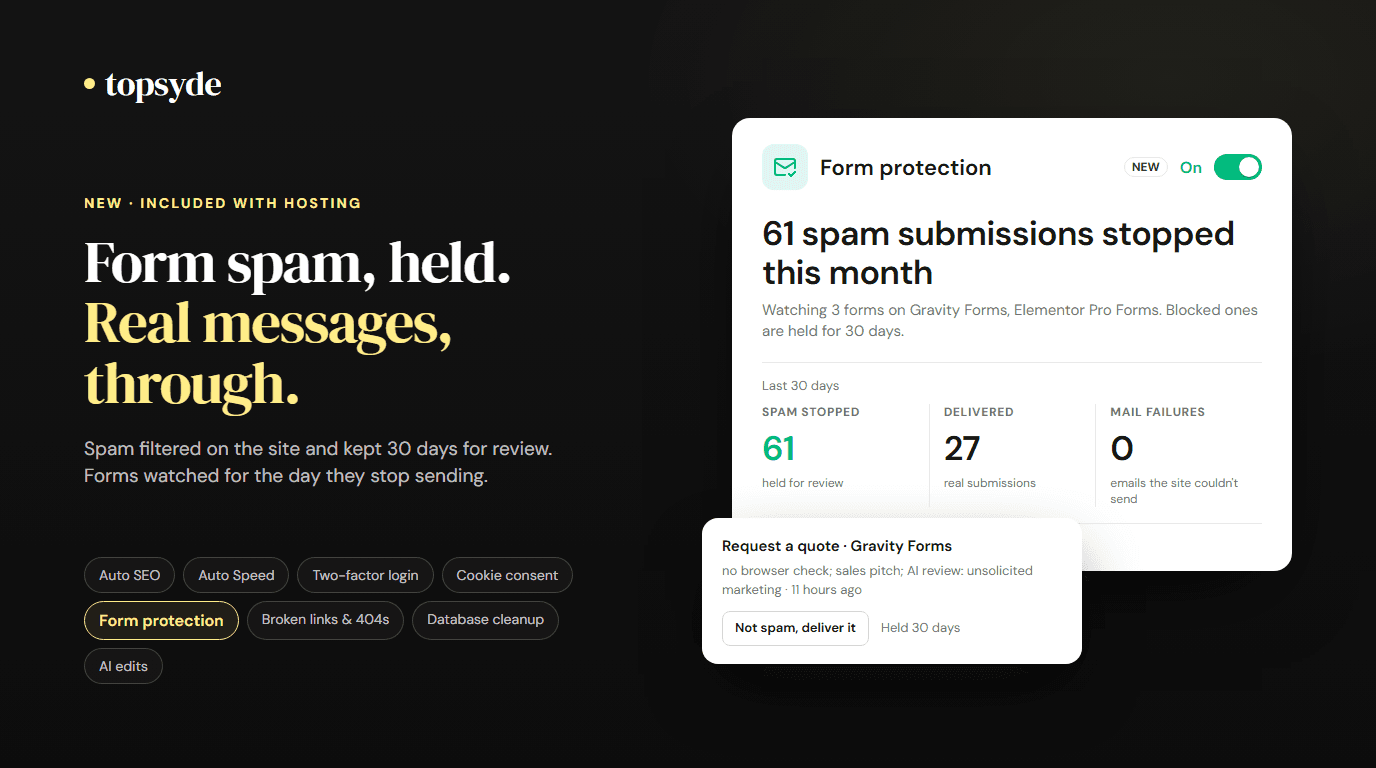
Time-based validation flags submissions that arrive too fast (under 3 seconds) or too slow (over 30 minutes). Behavioral analysis uses mouse movement patterns, typing cadence, and field interaction order to identify human users. IP reputation scoring filters known spam addresses automatically, and content analysis sends submissions with suspicious patterns (repeated text, excessive links) to review. JavaScript validation adds simple challenges that require JavaScript execution.
Fluent Forms leads in built-in spam prevention, offering multiple methods without third-party dependencies. Gravity Forms integrates well with external services like Akismet, while WPForms provides solid basic protection.
For comprehensive security, combine form-level protection with WordPress security best practices and server-level filtering.
AJAX Form Submission: Technical Implementation
AJAX form submission prevents page reloads, provides instant feedback, and improves user experience. Proper implementation requires error handling, progress indicators, and fallback options.
Benefits of AJAX submission:
- No page reload interruption
- Instant success/error messages
- Better mobile experience
- Reduced server load through targeted requests
Technical requirements:
// Basic AJAX form submission
jQuery('#contact-form').on('submit', function(e) {
    e.preventDefault();

    var formData = new FormData(this);

    jQuery.ajax({
        url: ajaxurl,
        type: 'POST',
        data: formData,
        processData: false,
        contentType: false,
        beforeSend: function() {
            // Show loading indicator
        },
        success: function(response) {
            // Handle success
        },
        error: function() {
            // Handle errors
        }
    });
});
Performance considerations:
- Minimize AJAX request payload
- Implement proper error handling
- Provide fallback for JavaScript-disabled browsers
- Use loading indicators for user feedback
All major plugins support AJAX submission, but implementation quality varies. Fluent Forms provides the most optimized AJAX handling, while Gravity Forms offers extensive customization options.
GDPR Compliance: Data Protection and Consent
GDPR compliance for contact forms requires explicit consent collection, data retention policies, and user rights implementation. Non-compliance risks fines up to 4% of annual revenue.
Required GDPR elements start with consent collection, meaning clear, specific agreement to data processing:
<input type="checkbox" required>
<label>I agree to the processing of my personal data for marketing purposes</label>
You also need a link to a privacy policy that details your data handling practices, automatic deletion after specified retention periods, and user rights covering data export, modification, and deletion. Add a lawful basis for processing (consent, legitimate interest, and so on) and collect only the information you need.
Implementation comparison:
- Gravity Forms: requires add-ons for full GDPR compliance
- WPForms: built-in GDPR features in Pro version
- Fluent Forms: comprehensive GDPR tools included
For sites handling EU user data, consider managed WordPress hosting with built-in compliance features and data protection measures.
Form Analytics: Measuring Performance and Conversion
Form analytics provide insights into user behavior, conversion bottlenecks, and optimization opportunities. Tracking form interactions reveals abandonment points and improvement areas.
Key metrics to track:
- Form completion rate
- Field-level abandonment
- Time to complete
- Error frequency by field
- Mobile vs desktop performance
- Traffic source conversion rates
Google Analytics 4 can track form interactions as custom events, which you can then mark as key events:
// Track form step completion
gtag('event', 'form_step_completed', {
    'form_name': 'contact_form',
    'step_number': 2,
    'completion_rate': 0.75
});
A/B testing opportunities:
- Form length and field order
- Button text and colors
- Multi-step vs single-step layouts
- Field labels and help text
- Mobile form layouts
Fluent Forms includes built-in conversion analytics, while Gravity Forms and WPForms require third-party integrations or custom tracking implementation.
According to ConversionXL research (2024), forms with analytics-driven optimization see 25-40% improvement in completion rates within 60 days of implementation.
Mobile Form Optimization
Mobile devices generate 60%+ of form submissions, making mobile optimization critical for conversion success. Touch interfaces, screen constraints, and network conditions require specific design approaches.
Mobile-specific considerations:
- Large tap targets (44px minimum)
- Appropriate input types (tel, email, number)
- Minimal typing requirements
- Single-column layouts
- Thumb-friendly button placement
Performance optimization:
- Minimize form asset loading
- Use browser autofill attributes
- Implement smart field validation
- Optimize for slower connections
Technical implementation:
/* Mobile-optimized form styling */
@media (max-width: 768px) {
    .form-field {
        margin-bottom: 20px;
    }

    input[type="text"],
    input[type="email"] {
        font-size: 16px; /* Prevents zoom on iOS */
        padding: 12px;
    }

    .form-submit {
        width: 100%;
        padding: 15px;
    }
}
All major form plugins provide responsive designs, but mobile optimization quality varies. Test forms on actual devices rather than browser emulators for accurate performance assessment.
Integration with Email Marketing and CRM
Contact form integration with email marketing platforms and CRM systems automates lead nurturing and improves conversion tracking. Proper integration prevents data silos and enables comprehensive marketing attribution.
Popular integration options:
- Mailchimp, ConvertKit, ActiveCampaign
- Salesforce, HubSpot, Pipedrive
- Zapier for custom connections
- Webhook endpoints for custom systems
Integration benefits:
- Automatic lead scoring
- Triggered email sequences
- Conversion attribution
- Customer journey tracking
Technical considerations:
// Example webhook integration
add_action('gform_after_submission_1', 'send_to_crm', 10, 2);

function send_to_crm($entry, $form) {
    $data = array(
        'email' => $entry['2'],
        'name' => $entry['1'],
        'source' => 'contact_form'
    );

    wp_remote_post('https://api.crm.com/leads', array(
        'body' => json_encode($data),
        'headers' => array('Content-Type' => 'application/json')
    ));
}
Gravity Forms offers the most extensive integration options, while WPForms and Fluent Forms provide solid coverage of popular services with easier setup processes.
Advanced Form Features: File Uploads and Complex Fields
Advanced form functionality includes file uploads, signature capture, payment processing, and complex field types. These features require careful performance and security consideration.
File upload optimization:
- Client-side file validation
- Progressive upload indicators
- File type and size restrictions
- Secure temporary storage
- Virus scanning integration
Security considerations:
- Validate file types server-side
- Store uploads outside web root
- Implement access controls
- Scan for malicious content
- Limit upload sizes and quantities
File uploads significantly increase form submission time and server resource usage. Implement chunked uploads for large files and provide clear progress feedback.
For forms requiring payment (registrations, orders), integrate with secure payment processors:
- Stripe, PayPal, Square
- PCI compliance requirements
- Secure data transmission
- Payment failure handling
Gravity Forms excels at complex functionality with extensive add-ons, while Fluent Forms provides good performance for standard advanced features.
Form Security: Beyond Spam Prevention
Contact form security extends beyond spam prevention to include data protection, injection prevention, and secure transmission. Comprehensive security protects both site owners and users.
Security vulnerabilities to address:
- SQL injection through form fields
- Cross-site scripting (XSS) attacks
- Cross-site request forgery (CSRF)
- File upload vulnerabilities
- Data transmission interception
Implementation best practices:
// Input sanitization example
$email = sanitize_email($_POST['email']);
$message = sanitize_textarea_field($_POST['message']);

// Nonce verification
if (!wp_verify_nonce($_POST['_wpnonce'], 'contact_form_action')) {
    wp_die('Security check failed');
}
Data protection measures:
- Encrypt sensitive form data
- Use HTTPS for all form submissions
- Implement proper access controls
- Regular security audits
- Backup form submissions securely
For comprehensive protection, combine form-level security with WordPress security best practices and consider managed hosting with built-in security features.
Performance Monitoring and Optimization
Ongoing form performance monitoring identifies optimization opportunities and prevents conversion rate degradation. Regular analysis ensures forms continue performing effectively as sites grow.
Metrics to monitor:
- Form load time impact
- Submission success rates
- Error frequency and types
- Mobile performance scores
- Conversion rate trends
Optimization techniques:
- Conditional asset loading
- Form field optimization
- Database query reduction (prune old entries and logs)
- Removing unused form plugins and add-ons
- Excluding form pages from aggressive JavaScript delay settings
Entries pile up. A site that has run the same contact form for five years can hold tens of thousands of submissions, plus spam entries and notification logs, in its own tables. Set a retention period in the plugin (Gravity Forms, WPForms and Fluent Forms all support automatic entry deletion in some form), which also covers the GDPR rule about not keeping personal data longer than needed.
Watch caching, too. Page caching can serve a stale nonce, and a form that works when you test it logged in can fail for cached visitors with a "security check failed" error. Modern form plugins refresh their tokens with AJAX or skip nonces for anonymous submissions, but test each form in a private window after any caching or optimization change.
The metric that matters most is one most site owners never check: whether the notification email arrives. A form can show "Thank you" while the message lands in spam or never leaves the server. Send notifications through an authenticated SMTP or API mail service with SPF, DKIM and DMARC set up for your domain, keep the entry log as a backup, and submit a test entry every month. Our WordPress email deliverability guide walks through the setup.
Which Contact Form Plugin Should You Choose?
The right plugin depends on who builds the forms and what they need to do:
| If you need... | Choose | Why |
|---|---|---|
| Fastest pages and strong built-in spam protection | Fluent Forms | Smallest asset footprint, conditional loading, no add-ons needed for most features |
| The easiest builder for non-technical staff | WPForms | Simplest interface, good templates, solid defaults |
| Complex logic, calculations or deep integrations | Gravity Forms | Largest add-on library and the most developer hooks |
| A free option with multi-step and payments | Forminator | Generous free tier, heavier assets |
For most small business sites with a contact form and a quote request form, Fluent Forms gives the best balance of speed and features. Agencies that build complex lead flows or registration systems usually settle on Gravity Forms for its hooks and add-ons. Whichever you pick, standardize on one plugin per site. Running two form plugins doubles the assets and the update surface for no benefit.
Frequently Asked Questions
Which WordPress contact form plugin is fastest?
Fluent Forms has the lightest frontend footprint of the major plugins, at roughly 120KB of assets on pages with a form, and it only loads those assets where a form appears. WPForms is close behind. The bigger performance win comes from configuration: make sure no form plugin loads its CSS and JavaScript on every page of the site.
How do I stop contact form spam without a CAPTCHA?
Combine a honeypot field, a minimum time-to-submit check and a server-side spam filter such as Akismet or the plugin's built-in tools. That combination stops the large majority of automated spam with no visible challenge. If a form is still targeted, add an invisible check like Cloudflare Turnstile, which only asks a visitor to interact when their signals look suspicious.
Why are my WordPress contact form emails not arriving?
Usually because WordPress sends mail through the server's PHP mail function, which has no authentication, so Gmail and Outlook filter or reject it. Install an SMTP plugin, connect it to a transactional mail service, and add SPF, DKIM and DMARC records for your domain. Check the form's entry log first: if the entry is there but the email isn't, the problem is delivery, not the form.
Do multi-step forms convert better than single-page forms?
For longer forms, usually yes. Breaking eight or more fields into short steps, with easy questions first, raises completion because visitors commit before they see the full length. For a basic contact form with three or four fields, a single step is faster and converts just as well.
Do contact forms need a GDPR consent checkbox?
Only if the processing relies on consent, such as adding the person to a marketing list. Replying to an inquiry the visitor sent is usually covered by legitimate interest or steps toward a contract, so a clear privacy notice next to the submit button is enough. Never pre-tick a consent box, and keep marketing consent separate from the inquiry itself.
Keep Reading on TopSyde
Topics

Content & SEO Strategist
7+ years SEO & content strategy, Google Analytics certified
Elena drives content strategy and SEO at TopSyde, helping clients maximize organic visibility and AI search presence. She combines technical WordPress knowledge with data-driven content optimization.