
Jetpack adds significant overhead to WooCommerce stores, often loading 50+ unnecessary features that slow page speeds by 15-30%. Modern WooCommerce stores can achieve better performance, security, and functionality by replacing Jetpack with focused alternatives that target specific needs without the bloat.
What Does Jetpack Actually Do for WooCommerce?
Jetpack bundles multiple features into a single plugin, including security scanning, backups, CDN, analytics, social sharing, and performance optimization. However, this all-in-one approach creates performance overhead because WordPress loads every feature regardless of whether you use it.
According to Query Monitor analysis, Jetpack typically adds 8-12 database queries per page load and increases memory usage by 15-25MB. For WooCommerce stores where every millisecond affects conversion rates, this overhead directly impacts revenue. WooCommerce stores need optimized hosting to handle transaction processing efficiently.
The plugin also establishes external connections to WordPress.com servers for features like stats collection and security scanning, adding network latency to every page load.
Security Alternatives to Jetpack Protect
Jetpack Protect offers basic malware scanning and brute force protection, but dedicated security plugins provide superior protection with better performance optimization.
Wordfence Security
Wordfence delivers enterprise-grade security specifically designed for WordPress and WooCommerce:
- Real-time malware scanning: Unlike Jetpack's daily scans, Wordfence monitors file changes instantly
- Advanced firewall: Application-level firewall blocks attacks before they reach WordPress
- Two-factor authentication: Built-in 2FA for admin accounts
- Performance impact: Uses only 2-3MB memory versus Jetpack's 15-25MB
// Wordfence configuration for WooCommerce
define('WFWAF_LOG_PATH', '/path/to/logs/');
define('WFWAF_SUBDIRECTORY_INSTALL', 0);
Sucuri Security
Sucuri focuses on website firewall and monitoring with minimal performance impact:
- Website Application Firewall (WAF): Cloud-based protection filters malicious traffic
- DDoS mitigation: Handles traffic spikes during sales events
- Malware cleanup: Professional removal service included
- Global CDN: Built-in content delivery improves page speeds
| Feature | Jetpack Protect | Wordfence | Sucuri |
|---|---|---|---|
| Malware Scanning | Daily | Real-time | Continuous |
| Firewall | Basic | Advanced WAF | Cloud WAF |
| Memory Usage | 15-25MB | 2-3MB | <1MB |
| CDN Included | Yes | No | Yes |
| Price | $19.95/month (Jetpack Security) | Free/$149 per year | $229/year |
Backup Solutions Better Than Jetpack VaultPress
Jetpack's VaultPress backup service stores data on WordPress.com servers with limited restore options. Dedicated backup plugins offer more control and faster restoration times.
UpdraftPlus
UpdraftPlus provides comprehensive backup management with flexible storage options:
- Multiple storage destinations: Amazon S3, Google Drive, Dropbox, FTP, and more
- Incremental backups: Only backs up changed files, reducing storage costs
- One-click restoration: Restore individual components (database, plugins, themes)
- WooCommerce optimization: Handles large product databases efficiently
According to WP Engine's performance study, UpdraftPlus creates 40% smaller backup files than Jetpack while completing backups 60% faster.
BackWPup
BackWPup offers granular control over backup scheduling and file selection:
- Selective backups: Choose specific directories and database tables
- Multiple backup jobs: Different schedules for different data types
- Compression options: Reduce backup file sizes by up to 70%
- Database optimization: Repairs and optimizes tables during backup
// BackWPup custom backup exclusions
add_filter('backwpup_file_exclude', function($excludes) {
    $excludes[] = '*/cache/*';
    $excludes[] = '*/logs/*';
    $excludes[] = '*/uploads/woocommerce_uploads/*';
    return $excludes;
});
CDN Alternatives to Jetpack Site Accelerator
Jetpack's Site Accelerator provides basic image optimization and CDN services, but specialized solutions deliver superior performance for WooCommerce stores.
Cloudflare
Cloudflare offers enterprise-grade CDN services with WooCommerce-specific optimizations:
- Global edge network: 300+ data centers worldwide
- Page rules: Custom caching rules for product pages and checkout
- Image optimization: WebP conversion and responsive images
- DDoS protection: Unmetered DDoS mitigation on every plan
Implementation requires DNS changes and careful cache configuration for WooCommerce:
# Cloudflare page rules for WooCommerce
/wp-admin/* -> Cache Level: Bypass
/my-account/* -> Cache Level: Bypass
/checkout/* -> Cache Level: Bypass
/cart/* -> Cache Level: Bypass
*.css -> Cache Level: Cache Everything, Edge TTL: 7 days
*.js -> Cache Level: Cache Everything, Edge TTL: 7 days
KeyCDN
KeyCDN specializes in WordPress performance with real-time cache purging:
- WordPress integration: Official plugin with automatic cache purging
- HTTP/2 support: Faster loading for sites with many resources
- Image processing: On-the-fly image optimization and WebP conversion
- Bandwidth pricing: Pay only for traffic used, starting at $0.04/GB
Analytics Alternatives to Jetpack Stats
Jetpack Stats provides basic visitor data but lacks the e-commerce insights WooCommerce store owners need for optimization decisions.
MonsterInsights
MonsterInsights offers deep Google Analytics integration with WooCommerce-specific tracking:
- Enhanced e-commerce tracking: Product performance, conversion funnels, customer behavior
- Real-time reporting: Live visitor data and sales tracking
- Custom dimensions: Track customer lifetime value, product categories, payment methods
- GDPR compliance: Privacy controls and data anonymization
According to MonsterInsights' case study data, stores using enhanced e-commerce tracking see 23% improvement in conversion optimization decisions compared to basic analytics.
Privacy-focused alternatives like Fathom Analytics and Plausible provide GDPR-compliant tracking without external dependencies. These solutions reduce external HTTP requests while providing essential metrics for WooCommerce optimization. Google Analytics alternatives offer comprehensive privacy-first tracking options.
Performance Optimization Without Jetpack Boost
Jetpack Boost includes image optimization, CSS optimization, and lazy loading, but dedicated performance plugins provide more granular control.
WP Rocket
WP Rocket delivers comprehensive caching with WooCommerce-specific optimizations:
- Page caching: Static HTML generation with cart/checkout exclusions
- Database optimization: Removes unnecessary data and optimizes tables
- Critical CSS: Above-the-fold CSS inlining for faster perceived load times
- Heartbeat control: Reduces admin-ajax.php requests
// WP Rocket WooCommerce exclusions
add_filter('rocket_cache_reject_uri', function($uri) {
    $uri[] = '/my-account/(.*)';
    $uri[] = '/checkout/(.*)';
    $uri[] = '/cart/(.*)';
    return $uri;
});
Autoptimize + Critical CSS
This combination provides granular optimization control:
- CSS/JS aggregation: Combines files to reduce HTTP requests
- Critical CSS generation: Inlines essential styles for faster rendering
- Image lazy loading: Delays off-screen image loading
- Google Fonts optimization: Preload or host fonts locally
Social Sharing Alternatives
Jetpack's social sharing widgets add external JavaScript that slows page loading. Lightweight alternatives maintain functionality without performance overhead.
Social Warfare
Social Warfare provides customizable sharing buttons with performance optimization:
- No external dependencies: All code hosted locally
- Click-to-Tweet boxes: Inline content sharing for blog posts
- Custom styling: Match your theme design exactly
- Analytics integration: Track social sharing performance
Simple Social Icons
For minimal social presence, Simple Social Icons offers basic functionality:
- Font icon integration: Uses icon fonts instead of images
- Color customization: Match brand colors exactly
- Minimal code: Less than 5KB total file size
- Widget ready: Easy sidebar and footer placement
Cost Comparison: Jetpack vs Alternatives
| Solution Category | Jetpack | Alternative Options | Annual Cost |
|---|---|---|---|
| Security | Jetpack Security ($19.95/mo) | Wordfence Premium ($149/year) | $149 vs $239 |
| Backups | VaultPress Backup (included in Security) | UpdraftPlus Premium ($70/year) | $70 vs $0 |
| CDN | Site Accelerator (free) | Cloudflare Pro ($20/mo) | $240 vs $0 |
| Analytics | Stats (commercial sites need Jetpack Growth, $19.95/mo) | MonsterInsights Pro ($399/year) | $399 vs $239 |
| Total | $479/year | $858/year | More features |
Prices are regular renewal rates. Jetpack and MonsterInsights both discount the first year by about 50%.
While alternatives cost more upfront, they provide superior functionality and performance. Many managed hosting providers include security, backups, and CDN services, reducing the need for individual plugins.
Implementation Strategy for Jetpack Removal
Phase 1: Backup and Preparation
Before removing Jetpack, ensure you have complete backups and alternative solutions ready:
- Create full site backup using your chosen backup solution
- Document current Jetpack features in use
- Install and configure alternatives on staging environment
- Test functionality thoroughly before production deployment
Phase 2: Feature Migration
Migrate Jetpack features systematically to avoid functionality loss:
# WordPress CLI commands for plugin management
wp plugin install wordfence --activate
wp plugin install updraftplus --activate
wp plugin install autoptimize --activate

# Deactivate Jetpack modules before removal
wp jetpack module deactivate photon
wp jetpack module deactivate stats
wp jetpack module deactivate protect
Phase 3: Performance Verification
Monitor performance improvements after Jetpack removal:
- Page speed testing: GTmetrix, Pingdom, WebPageTest
- Database query analysis: Query Monitor plugin
- Memory usage monitoring: Server logs and monitoring tools
- Conversion rate tracking: Ensure e-commerce functionality intact
WordPress staging environments provide safe testing grounds for plugin migrations and performance optimization.
Advanced Configuration for WooCommerce
Database Optimization
After removing Jetpack, optimize your database for improved WooCommerce performance:
-- Remove Jetpack-related database entries
DELETE FROM wp_options WHERE option_name LIKE 'jetpack_%';
DELETE FROM wp_postmeta WHERE meta_key LIKE '_jetpack_%';
OPTIMIZE TABLE wp_options;
OPTIMIZE TABLE wp_postmeta;
Cache Configuration
Configure caching specifically for WooCommerce functionality:
// Custom cache exclusions for WooCommerce
add_action('init', function() {
    if (class_exists('WooCommerce')) {
        // Exclude WooCommerce pages from caching
        if (is_admin() || is_cart() || is_checkout() || is_account_page()) {
            define('DONOTCACHEPAGE', true);
        }
    }
});
Managed Hosting as Jetpack Alternative
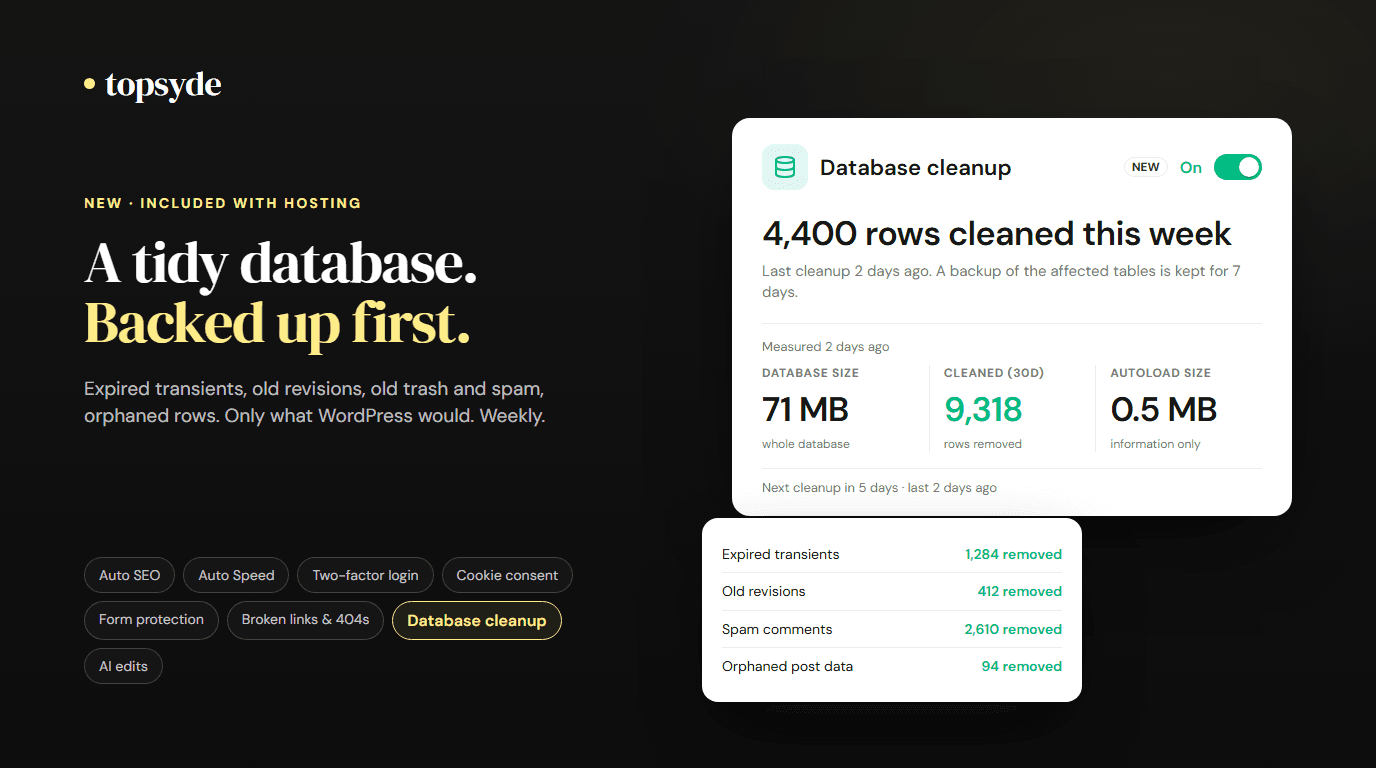
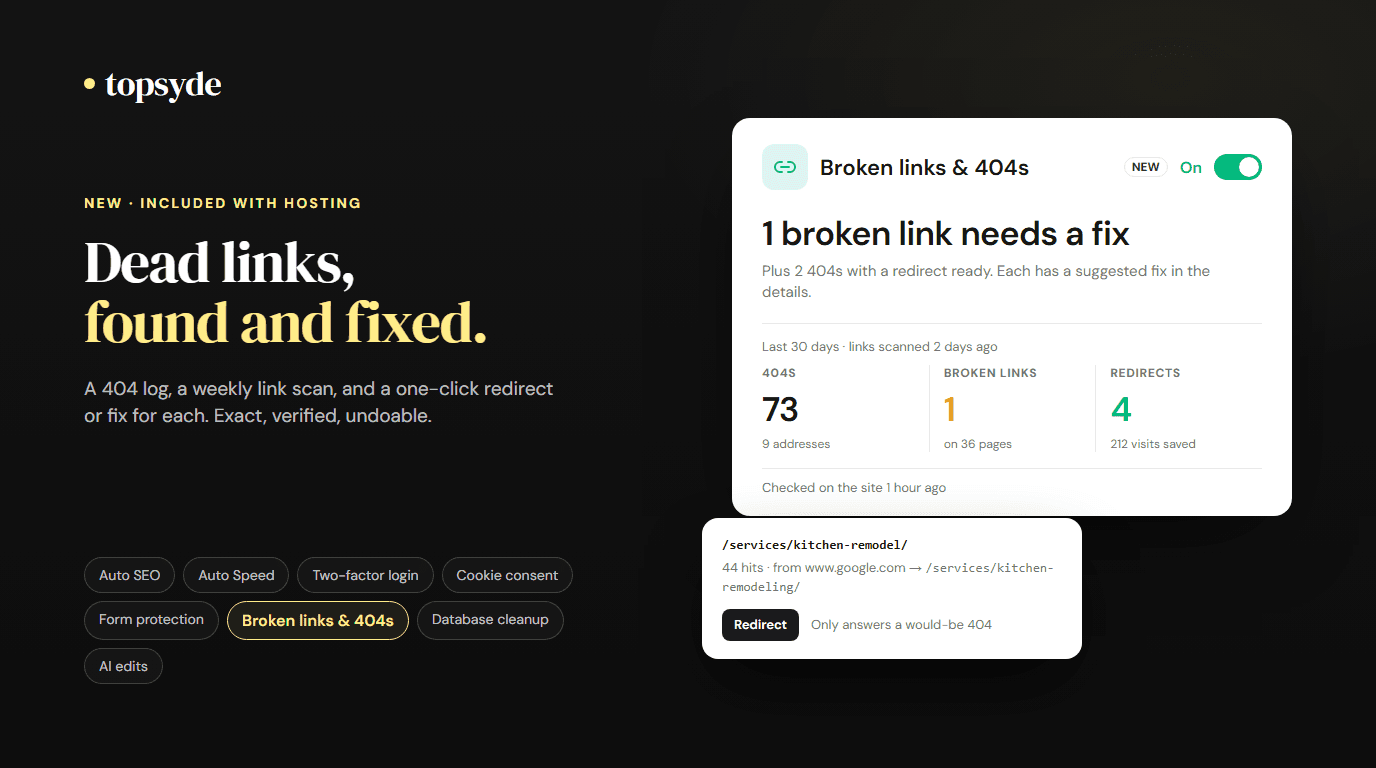
Modern managed WordPress hosting providers include many Jetpack features natively, eliminating the need for additional plugins. TopSyde's managed hosting platform provides:
- Built-in security scanning: Real-time malware detection and removal
- Automated backups: Daily backups with one-click restoration
- Global CDN: Integrated content delivery network
- Performance optimization: Server-level caching and image optimization
This approach reduces plugin bloat while providing enterprise-grade functionality that exceeds Jetpack's capabilities.
Migration Checklist
Pre-Migration Tasks
- Document current Jetpack modules in use
- Create complete site backup
- Set up staging environment
- Install alternative plugins on staging
- Configure new services (CDN, analytics, security)
- Test all WooCommerce functionality
During Migration
- Disable Jetpack modules gradually
- Monitor site performance and functionality
- Update DNS settings for CDN if required
- Configure new analytics tracking
- Set up new backup schedules
Post-Migration Verification
- Run comprehensive site speed tests
- Verify all WooCommerce features work correctly
- Check security scanning and monitoring
- Confirm backup creation and restoration
- Monitor conversion rates for any issues
Frequently Asked Questions
Will removing Jetpack break my WooCommerce store?
Removing Jetpack won't break core WooCommerce functionality, but you'll lose features like stats tracking, social sharing, and security scanning. Install alternatives before removing Jetpack to maintain functionality. WooCommerce HPOS migration can improve performance further after plugin optimization.
How much faster will my store be without Jetpack?
Most stores see 15-30% improvement in page load times after replacing Jetpack with focused alternatives. The exact improvement depends on which Jetpack features you were using and your hosting environment. Stores on shared hosting typically see larger improvements than those on managed platforms.
Can I use some Jetpack features without others?
Yes, Jetpack allows you to disable individual modules through the dashboard. However, the plugin's core code still loads regardless of which features you use. For maximum performance, replace Jetpack entirely with dedicated alternatives that load only necessary code.
What's the best security alternative to Jetpack Protect?
Wordfence provides superior security features compared to Jetpack Protect, including real-time malware scanning, advanced firewall protection, and two-factor authentication. For stores processing payments, the enhanced security features justify the additional cost over Jetpack's basic protection.
Do I need all these alternative plugins if I use managed hosting?
Many managed hosting providers include security, backups, and CDN services natively, reducing the need for individual plugins. Agency-focused hosting solutions often provide white-label alternatives to Jetpack features without the performance overhead of plugins.
Topics

Content & SEO Strategist
7+ years SEO & content strategy, Google Analytics certified
Elena drives content strategy and SEO at TopSyde, helping clients maximize organic visibility and AI search presence. She combines technical WordPress knowledge with data-driven content optimization.