
Every site collects dead ends. A service page gets renamed, a PDF is deleted, a blog post from three years ago is unpublished, and the links that pointed at them live on: in Google, on partner sites, in your own menus. Search Console sends a polite email about "Not found" pages, and the usual answer is a redirect plugin, a crawler plugin that slows the site down, and an afternoon nobody has.
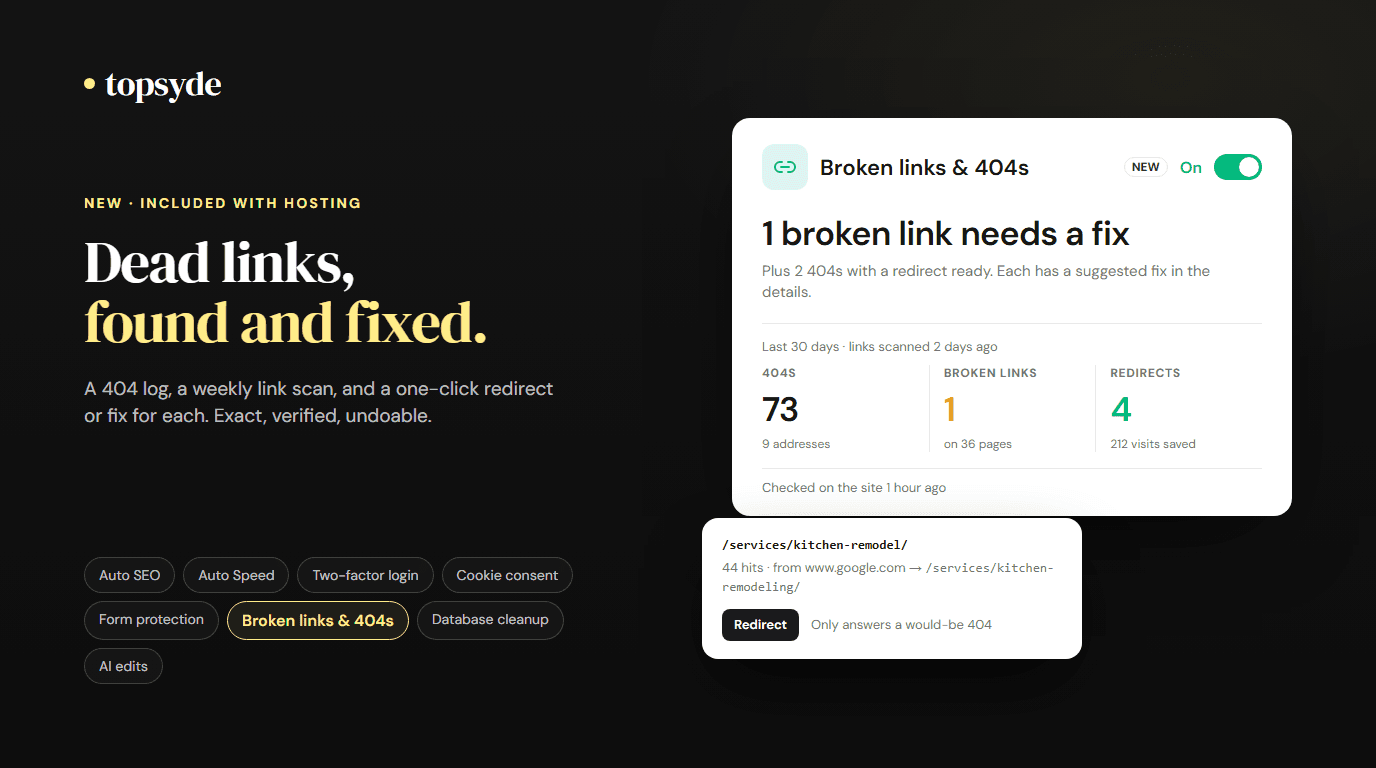
Starting today, TopSyde hosting includes broken links & 404s. It's a switch on each site's Dashboard tab. Turn it on, and the site starts logging the addresses visitors ask for that don't exist, a weekly scan checks every link and image on the site, and each finding comes with a suggested fix you apply with one click: a redirect to the page that replaced it, or the link corrected in the page itself.
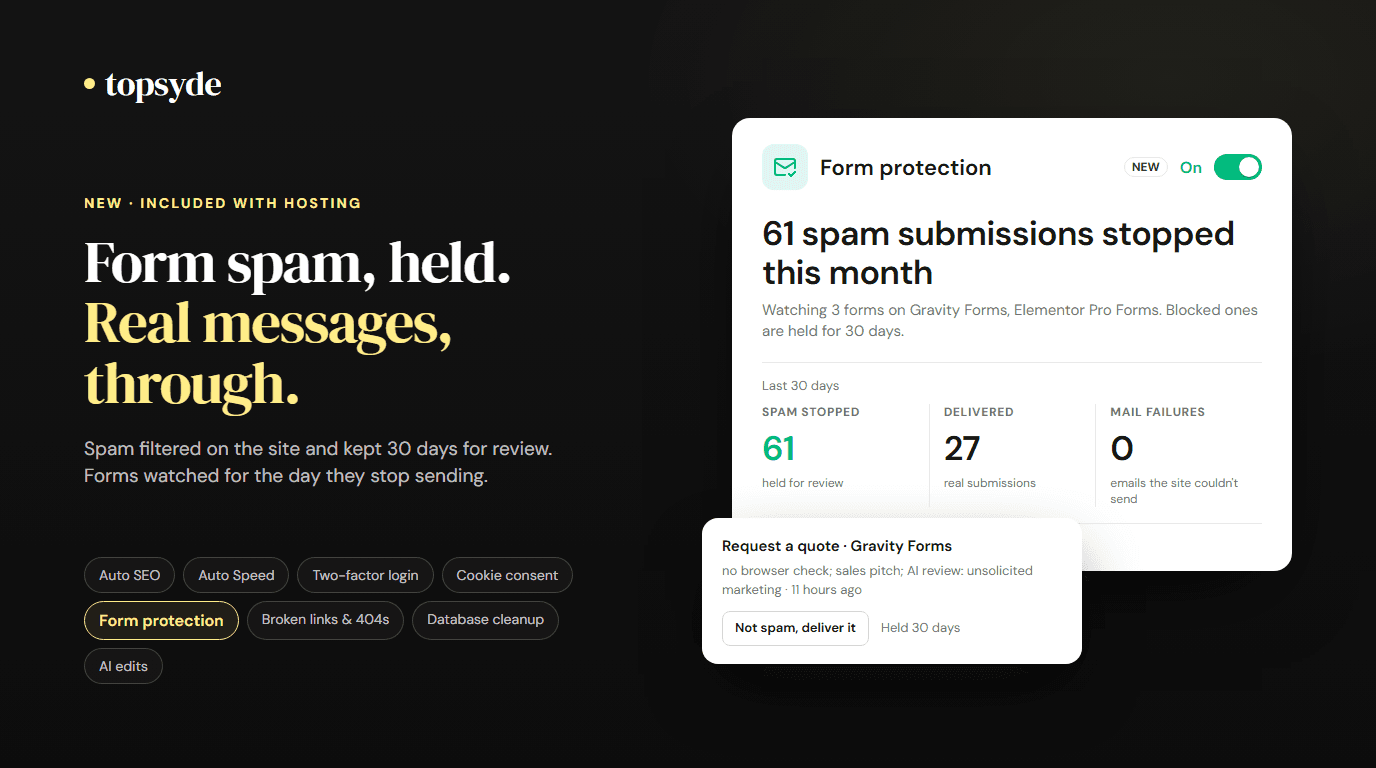
It joins Auto SEO, Auto Speed, two-factor login, cookie consent, form protection, database cleanup and AI edits as the eight tools built into every plan.
The 404 log
The first thing the switch adds is a small plugin that does nothing on a normal page load. It only wakes up when WordPress has decided a request is a 404, and then it writes one row per missing address per day: the path, the hit count, first and last seen, and the referring page's address with no query string. It never records who asked. No IP addresses, no browser details, no query strings, and scanner noise (the wp-login.php probes every site gets) is left out.
That gives you a ranked list of the dead ends visitors are hitting, which is a different list from the one a crawler finds. A crawler sees the links on your pages. The log sees the links on everyone else's, and the ones in people's bookmarks.
The weekly scan
Once a week, and whenever you press Scan now, we read up to 200 of the site's public pages the way an anonymous visitor would, from outside the hosting, and check where every link and image goes. Internal links and images count as broken on a 404 or a server error that repeats; links to other sites count as broken only on a 404 or a domain that no longer resolves, so a slow partner site doesn't become your problem. Carts, checkouts, account pages and anything behind a login are never requested.
The crawl runs from our side, not inside WordPress. That's the difference from Broken Link Checker, which crawls from within the site on its own schedule and is one of the plugins we most often find behind a slow admin. If it's installed, the card says so and offers to retire it.
Suggestions, then one click
Each 404 and each broken internal link gets a recommendation. We try slug and title similarity first (/services/kitchen-remodel/ is almost certainly /services/kitchen-remodeling/). Only the genuinely close calls go to an AI model, which sees the addresses and page titles and nothing else. When nothing fits, the advice is to leave it as a 404 (search engines drop those on their own) or to mark it gone if it was removed on purpose. We never suggest the homepage; a redirect to the homepage is how sites end up with "soft 404" warnings.
Then you choose:
- Redirect writes a permanent (301) redirect, or a 410 for "gone". It's only created if the source answers 404 right now and the target answers 200 on the same site, and after it's written we request the old address once to confirm it works. The result shows on the card.
- Fix link changes the broken URL, exactly, wherever it appears in page and post content, custom menu links and Elementor layouts. WordPress saves a revision first, we keep the original, and Undo in the portal restores it as long as that part of the page hasn't been edited since. Beaver Builder, Divi, Bricks and Oxygen layouts and theme files aren't edited; the card offers a redirect instead.
Every redirect, fix and undo lands in the site's activity log, which is useful when a client asks what changed after a redesign.
Why our redirects can't hide a live page
A redirect plugin usually runs on every request and matches first. Ours is served only when WordPress has already decided the address is a 404. A live page, a page another plugin redirects, a file the web server answers itself: none of those ever reach our code. If you run Redirection, Rank Math's redirect manager or Yoast Premium, they keep answering first, and ours only handles what would still be a 404 after them. The WordPress redirect guide covers the plugin side if you want the background, and the NGINX permalink 404 post covers the case where every page is a 404.
One limit worth knowing: a missing image or PDF under the uploads folder is answered by the web server before WordPress loads, so it can't be redirected this way. The portal says so when it checks the redirect; the fix is to restore the file or change the link.
What it costs, and what it replaces
Broken links & 404s is included in every plan, from $89/site/month. Redirection and Broken Link Checker are free plugins, so there is no licence to save here and we don't count one; what you get back is the crawl running outside the site, the suggestions, the verified redirects, and the undo.
If you ever leave, your redirects export from the portal in Redirection's CSV format, ready to import elsewhere.
What it doesn't do
- It doesn't edit links inside Beaver Builder, Divi, Bricks, Oxygen or theme files. You get a redirect instead.
- It can't redirect files the web server answers on its own (uploads).
- On a WordPress multisite network, one switch covers every site, each with its own 404 log and redirects.
Turning it off removes the plugin, so its redirects stop answering. The redirects you made stay listed in the portal and the 404 log stays on the site.
Frequently Asked Questions
Is this an extra charge?
No. It's included with every TopSyde hosting plan, one switch per site.
Will a redirect break a page that works?
No. Redirects are served only when WordPress has already returned a 404 for the address, and a redirect is only created when the source answers 404 and the target answers 200 right now.
Does the AI change anything on my site?
No. It only ranks suggestions for close calls, seeing addresses and page titles. Every change is a button you press, and every one is logged.
What happens to the 404 log?
It stays in the site's own database and is pruned after 120 days, capped so it can't grow without bound.
Can I export my redirects?
Yes, in Redirection's CSV format, from the portal.
Tired of the Search Console emails? See how broken links & 404s works or compare our plans.

Founder & Lead Developer
20+ years full-stack development, WordPress, AI tools & agents
Colton is the founder of TopSyde with 20+ years of full-stack development experience spanning WordPress, cloud infrastructure, and AI-powered tooling. He specializes in performance optimization, server architecture, and building AI agents for automated site management.