
A WordPress database grows in the dark. Every save of a page adds a revision. Every plugin that caches something adds a transient and often forgets to remove it when it expires. Spam comments pile up in a table nobody opens. None of it breaks anything, which is why nobody touches it, and why a three-year-old site can carry forty thousand rows it will never read again.
The usual fix is a cleanup plugin with a dozen checkboxes and an "optimize tables" button. The checkboxes are where the risk lives. Tick the wrong one and you've removed a draft someone needed, or locked a live table on a busy afternoon.
Starting today, TopSyde hosting includes database cleanup. It's a switch on each site's Dashboard tab. Turn it on, and once a week, overnight, we remove a fixed list of things WordPress itself would remove, after taking a verified copy of the affected tables. Nothing else, ever.
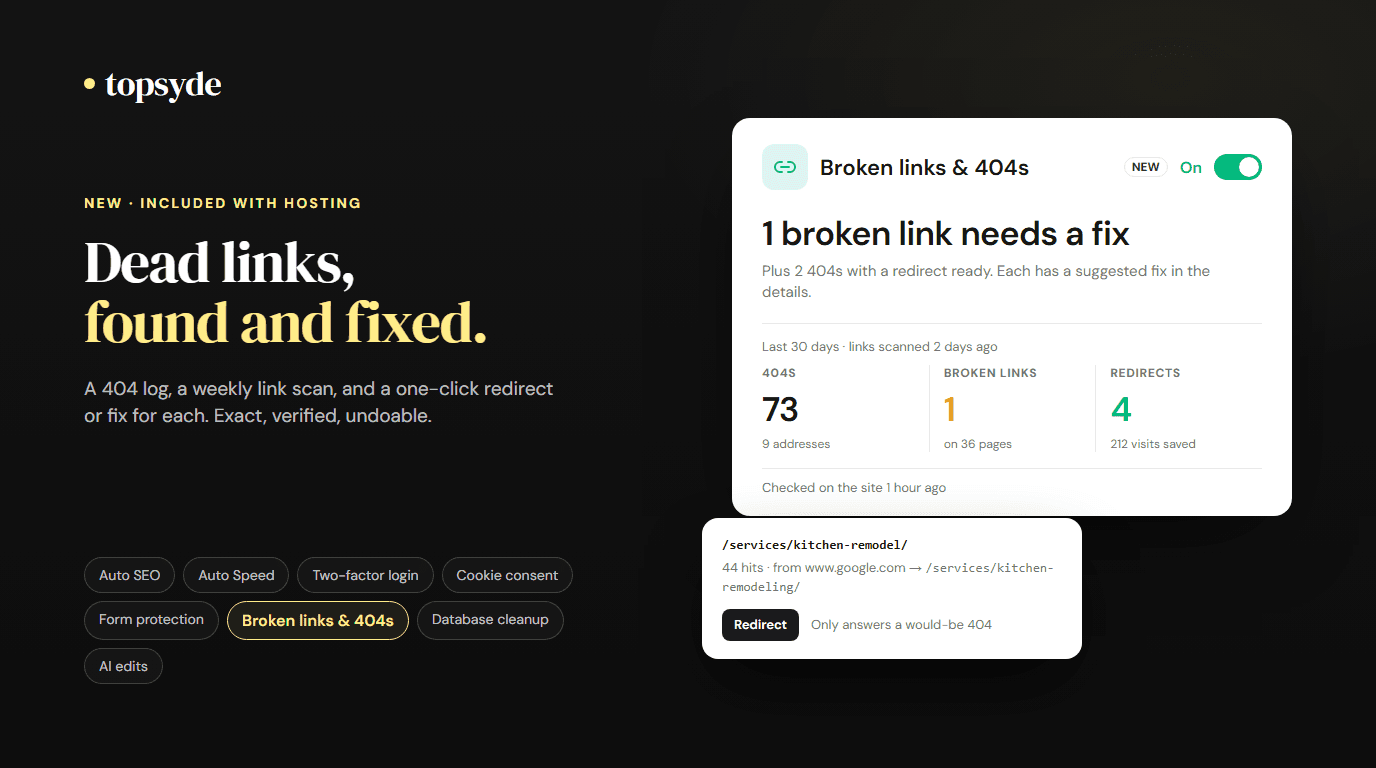
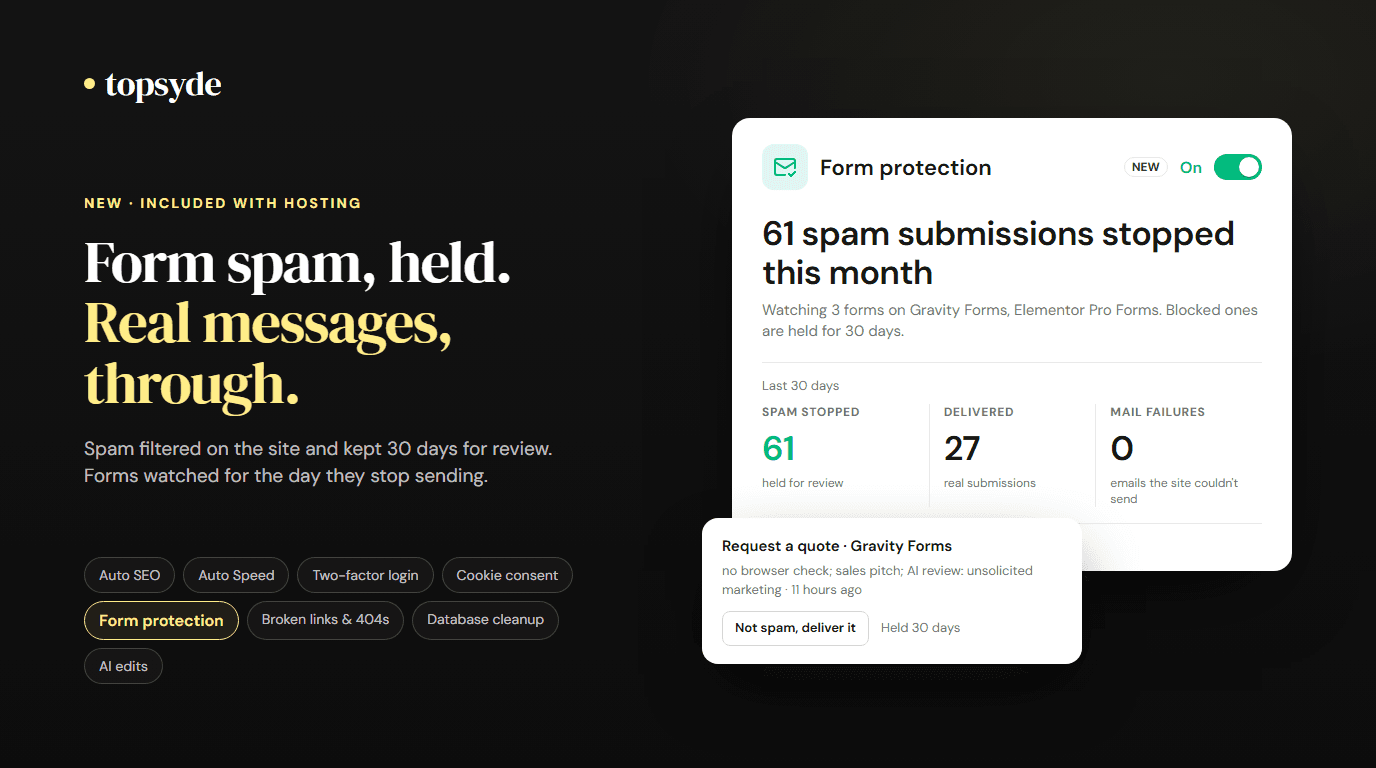
It's one of the eight tools built into every plan, with Auto SEO, Auto Speed, two-factor login, cookie consent, form protection, broken links & 404s and AI edits.
The list, and why it stops there
The cleanup removes exactly these, by WordPress's own rules:
- Expired transients. Temporary values a plugin saved with an expiry date that has passed. WordPress only deletes these when something asks for them, so most sites keep thousands.
- Old revisions. Only beyond the newest 10 of each post, and only revisions older than 30 days. Autosaves are left alone. If the site's
WP_POST_REVISIONSsetting keeps more, we keep more. - Auto-drafts older than 7 days. The empty drafts WordPress creates when you open "Add new" and walk away.
- Trash older than 30 days. Posts and pages that have sat in the trash past WordPress's own window (longer if the site is set to keep trash longer), removed the way WordPress would, through its own delete function. Never attachments, products, orders or a plugin's post types.
- Spam and trashed comments older than 30 days. Replies are re-parented first so a thread doesn't break.
- Orphaned rows. Post and comment data whose post or comment no longer exists, and category links pointing at a deleted category or from a deleted post. Custom taxonomies are left alone, because a plugin's taxonomy may hang off its own table.
And that's the whole list. We don't touch settings or autoloaded options, users, WooCommerce orders, form entries, logs, media files or any plugin's own tables, and we never run OPTIMIZE or ALTER on anything. Rows go in small batches with a pause between them, with a time limit per run, so a busy site stays responsive. If the budget runs out, the rest waits for tomorrow.
If you've read our database optimization guide, you'll notice the list is the safe half of it. The autoload half (the options WordPress reads on every page load) is measured and reported on the card, and flagged when it's over a megabyte, but it's never changed automatically. A heavy autoload has a cause, usually one plugin, and we look at it with you.
A copy before every removal
Before a single row goes, the cleanup exports the tables it's about to touch (posts, postmeta, comments and so on, only the ones affected) as a compressed dump into a private folder on the site's own server, outside the public website. The dump is verified before the cleanup proceeds. If the server is low on disk, the export fails, or the tables are unusually large, nothing is removed that time and the card says why.
The copy is kept for 7 days. Within that window, if a revision or a trashed post turns out to matter, ask and we restore those specific items from the copy. After 7 days the copy is deleted, as are all copies when a site leaves TopSyde.
Our revisions guide is the longer read on why revisions are worth keeping and why ten recent ones is plenty.
What the card shows
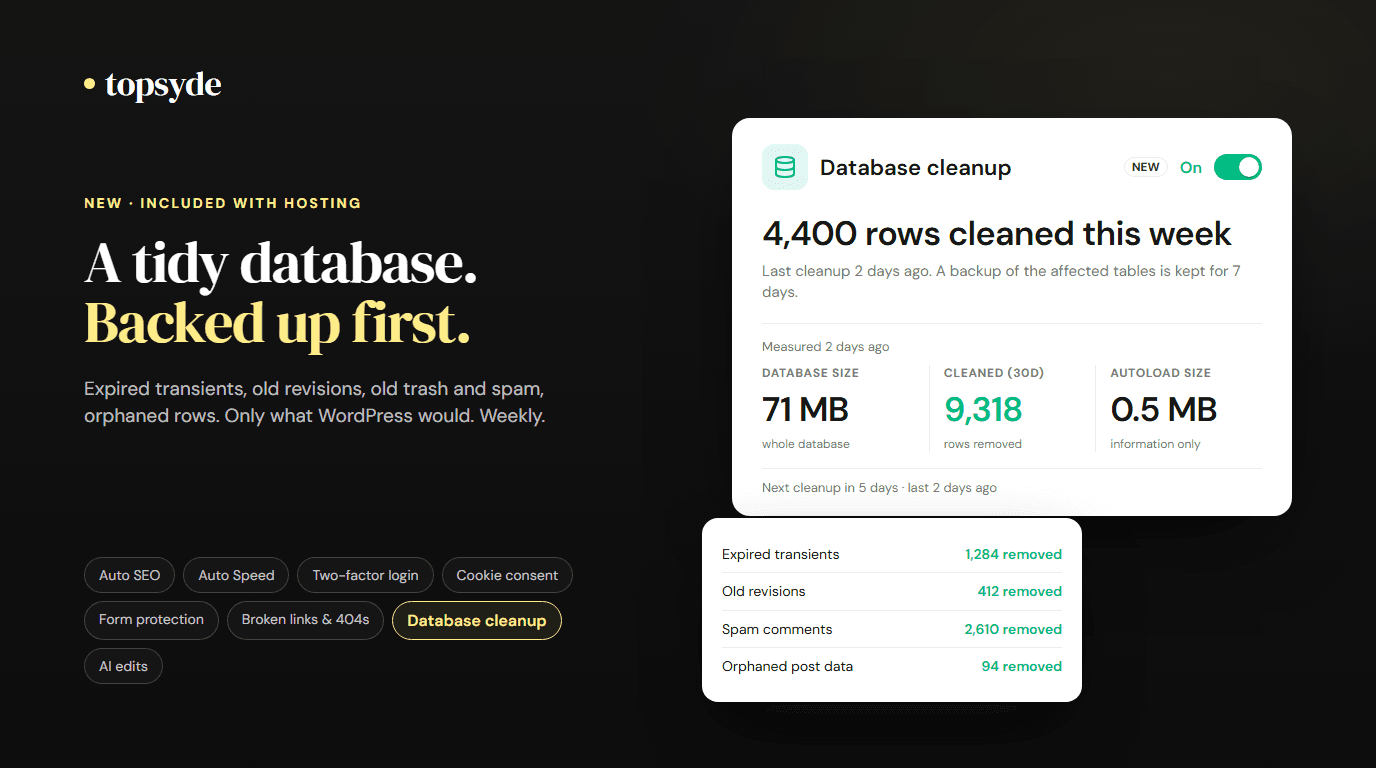
The Database cleanup card on the Dashboard tab reads:
- Database size, from the server's own accounting.
- Cleaned in the last 30 days, in rows.
- Autoload size, information only, amber when it's heavy.
- A per-category view of what the last run removed and what's waiting, the run history, and when the next cleanup is due.
Clean now runs a cleanup on demand, up to three a day per site, with the same backup first.
What it costs, and what it replaces
Database cleanup is included in every plan, from $89/site/month. WP-Optimize does this job in its free version. Its Premium plan lists at $49 a year for up to two sites (checked 14 October 2026), and that list price is what we count in the plugin-stack figure; a site on the free version saves nothing on licences here. What you get back is the schedule, the backup, the fixed list, and the record of every run in your portal.
What it doesn't do
- It doesn't guarantee a faster site. Removing tens of thousands of expired transients and revisions makes admin queries lighter, but speed work lives in Auto Speed, and the database's reported size may not shrink right away.
- It doesn't touch autoloaded options, plugin tables, users, orders or media, and it never optimizes or alters a table.
- On a WordPress multisite network, one switch cleans every site of the network by the same rules, after one backup of everything it touches.
Turning it off stops the weekly cleanup. Copies already taken are still deleted after their 7 days.
Frequently Asked Questions
Is database cleanup an extra charge?
No. It's included with every TopSyde hosting plan, one switch per site.
Can it delete something I need?
It removes only the categories above, by WordPress's own rules: a revision only when a post has more than 10 and it's older than 30 days, trash only past 30 days. If something you want is gone, ask within 7 days and we restore it from the copy.
Where is the backup?
On the site's own server, in a private folder outside the public website, compressed and verified. It's deleted after 7 days.
Does it clean WooCommerce or form-entry tables?
No. Plugin tables are never touched. Orders, form entries, logs and scheduled actions stay exactly as they are.
Can I run it right now?
Yes. Clean now on the card, up to three times a day per site, with the same backup first.
Want the database tidy without the checkboxes? See how database cleanup works or compare our plans.

Founder & Lead Developer
20+ years full-stack development, WordPress, AI tools & agents
Colton is the founder of TopSyde with 20+ years of full-stack development experience spanning WordPress, cloud infrastructure, and AI-powered tooling. He specializes in performance optimization, server architecture, and building AI agents for automated site management.