
The most common request we get isn't a redesign. It's "can you change the Saturday hours on the Contact page", "swap the team photo on About, we've got a new one" or "the button in the header should just say Get a quote". Small, clear, and usually waiting on someone who has time. On a care plan it's a ticket; on an hourly arrangement it's a wait for a developer with a free slot.
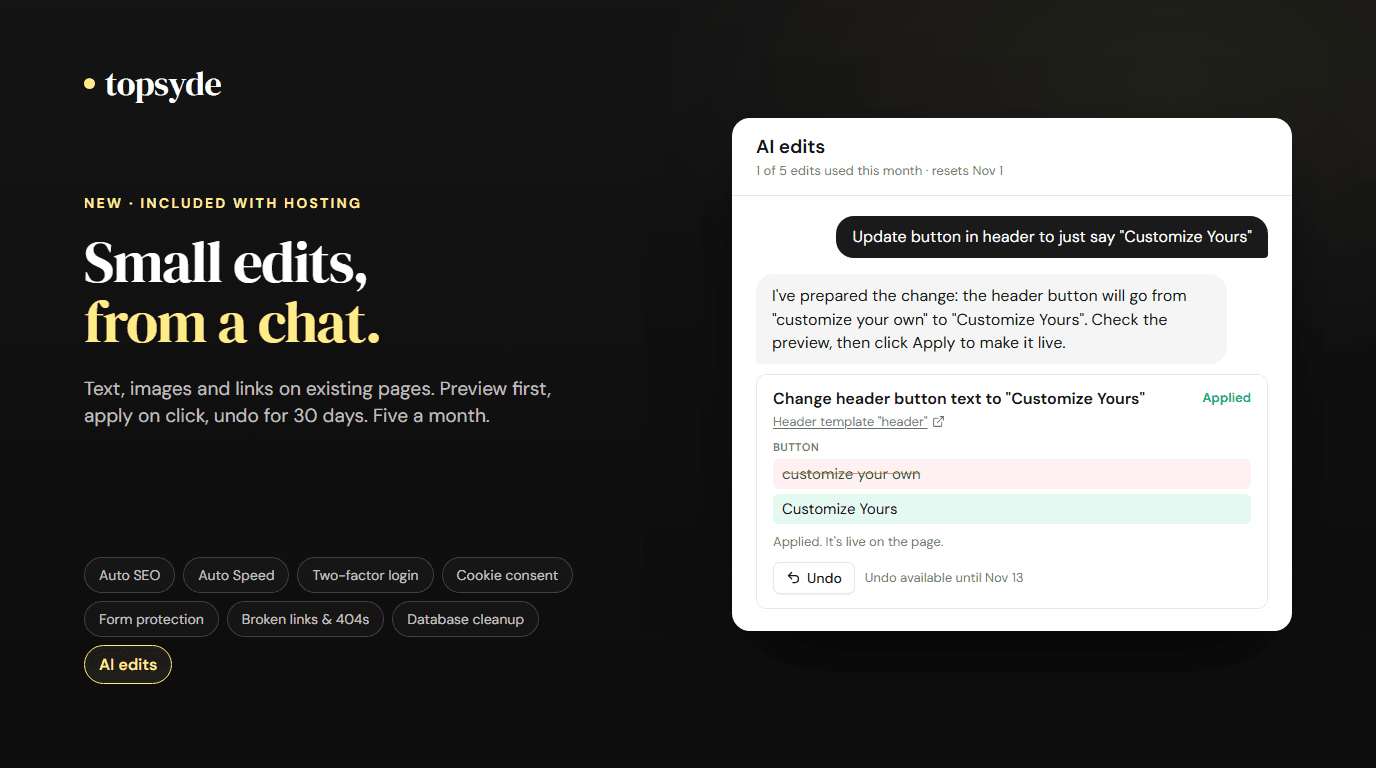
Starting today, TopSyde hosting includes AI edits. It's a switch on each site's Dashboard tab. Turn it on, and a chat opens that finds the page, header, menu or setting you mean, proposes the exact change, and shows you a before-and-after preview. Nothing is written to the site until you click Apply. Every applied edit can be undone from the portal for 30 days. Ten edits a month per site are included.
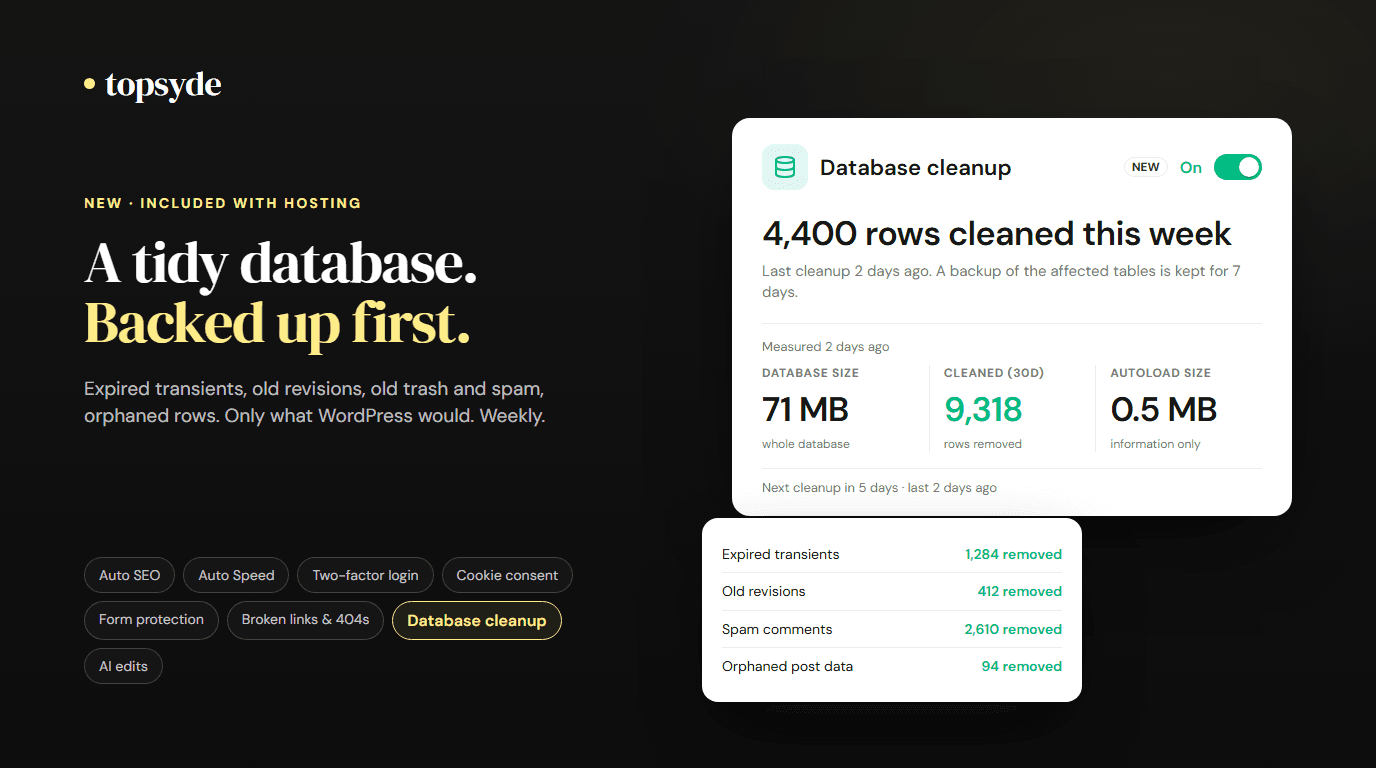
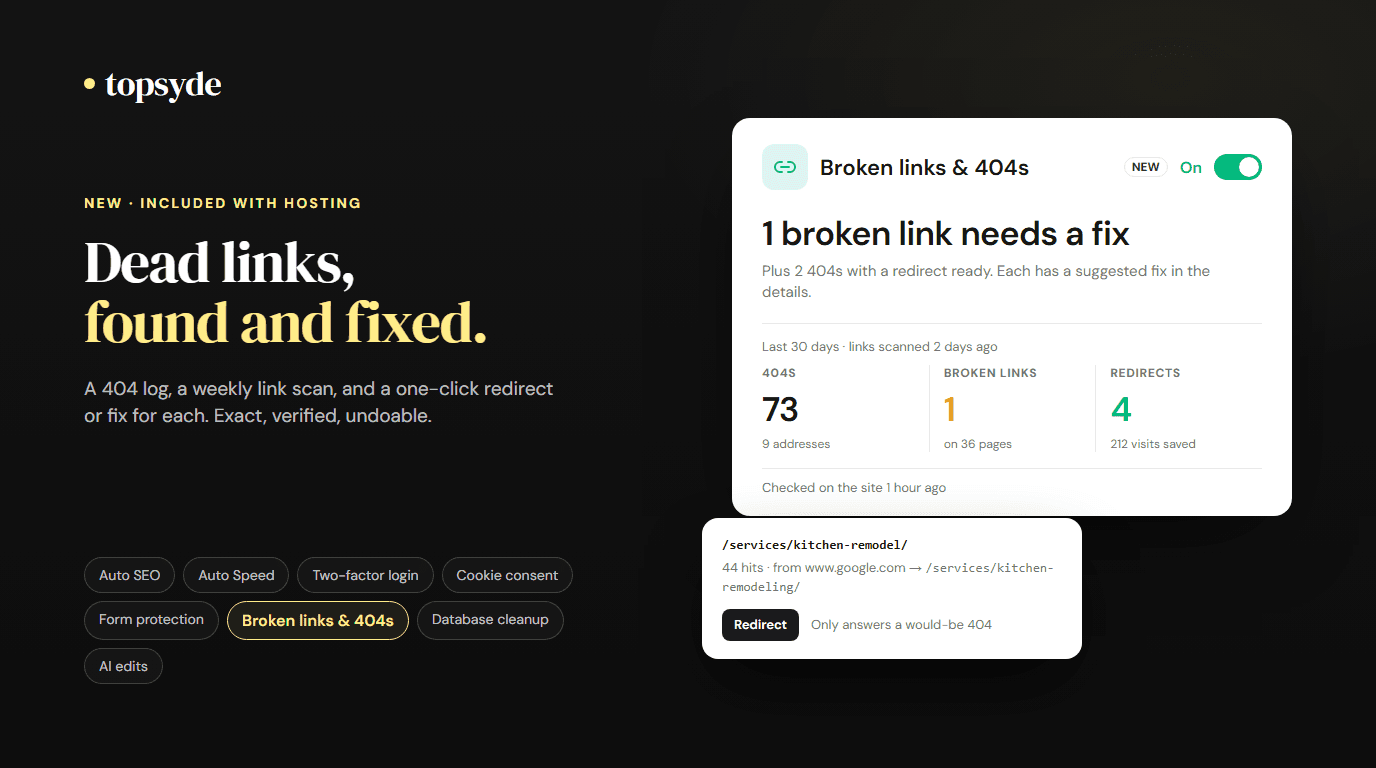
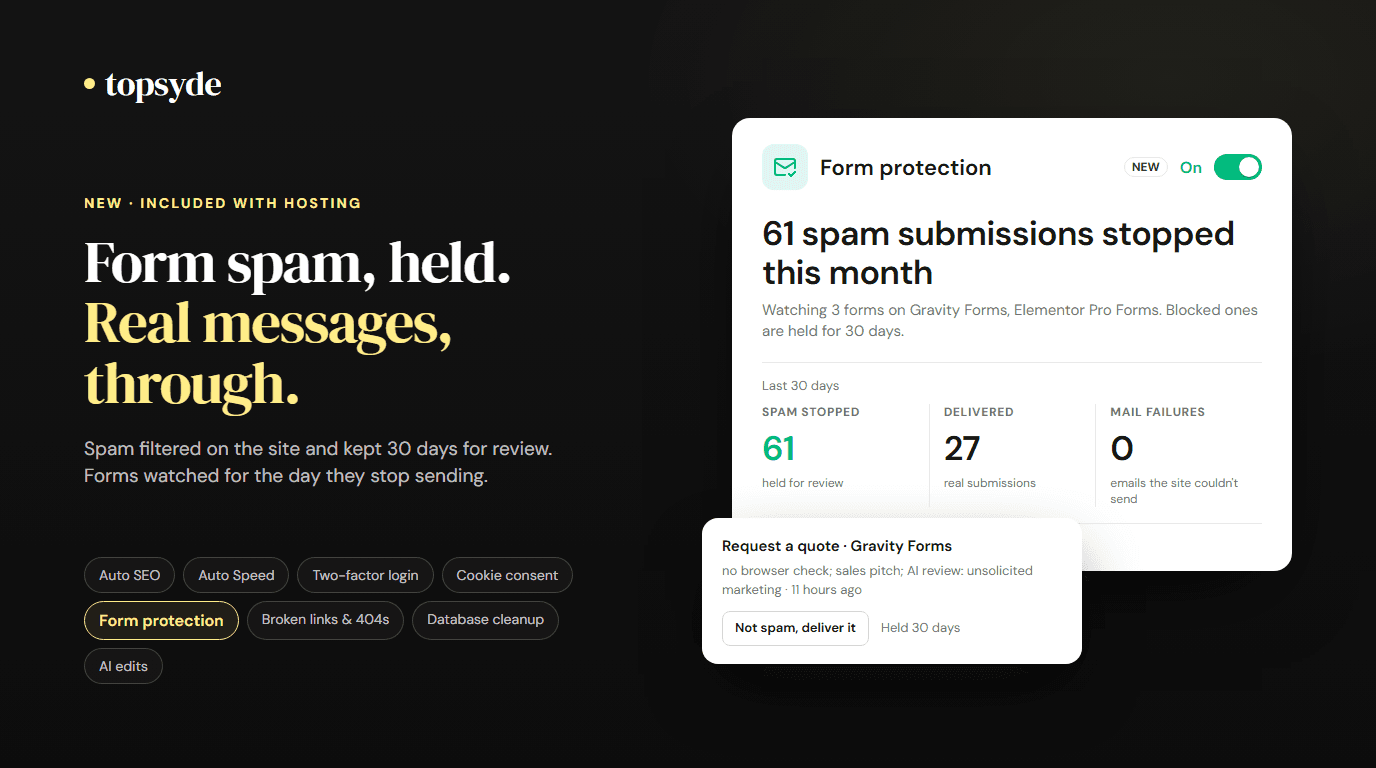
It's the last of the eight tools we've built into hosting this month, next to Auto SEO, Auto Speed, two-factor login, cookie consent, form protection, broken links & 404s and database cleanup.
What you can ask for
The chat is deliberately narrow about what kind of change it makes. It can:
- Swap text. Hours, a price, a name, a paragraph that's out of date, the label on a button.
- Replace an image or its alt text. Attach a new photo in the chat, or pick one from the media library.
- Point a link at another page of the site. The pricing button at the new pricing page, say.
It's broader about where. Those changes work on pages and posts, on Elementor header, footer and popup templates, on menu item labels and where custom menu links point (a menu link can also be a phone number or an email address), on widget titles and text, on the site title and tagline, and on theme settings that are plain text. If a field is empty, like a missing tagline, it can fill it.
It finds the exact spot you mean and proposes one edit at a time. The block editor and Elementor are supported in full; on pages built with Beaver Builder, Divi, WPBakery, Bricks or Oxygen it can only change the title. It can't add or remove menu items, and WooCommerce products and prices, forms, plugins and settings are off limits.
Ask for something outside that list and the chat says so and offers Ask the team, which opens a ticket to us prefilled with what you wrote. Adding a booking form, building a new page, changing the layout: those stay with our developers, as they do today.
Why the boundary is code, not a prompt
An AI told "only make small edits" will, sooner or later, make a large one. So the model never writes to the site. It proposes, and a separate validator checks the proposal before you ever see the preview:
- A page's HTML must come out token-for-token identical apart from the text, image or link that changed. Same tags, same attributes in the same order, same shortcodes, same scripts. If anything else moved, the proposal is refused.
- Elementor edits are limited to the text, image and link settings of core widgets. Never HTML or shortcode widgets, forms, third-party widgets, styles, layout or dynamic content.
- A menu label, the site title or a theme setting must stay one piece of plain text, and everything else in that menu or setting must come out exactly as it was.
- Replacement text can't contain code, shortcodes, new web addresses or new email addresses. A new image must be a file in the site's media library or the one you just attached. A new link must point at a published page or a media file on the same site; only a menu link may instead be a phone number or an email address.
- Each edit is capped: at most 2,000 changed characters, 20 places, 3 images and 5 links, in one page, template, menu or setting.
Only a proposal that passes all of that reaches the preview. You read it, and you click Apply, or you don't.
Apply, then undo if you need to
Apply runs in one WordPress boot. Every field is checked against what the preview showed, so if someone edited it in the meantime nothing is written. For a page, post or template a revision is saved first (two for Elementor, with its layout data attached); then the change is written, read back byte for byte, and the cache is purged. If the read-back doesn't match, everything is restored, including any image that was imported.
We also keep our own copy of exactly what was replaced. Undo in the portal, available for 30 days, restores it, as long as that spot still holds what we wrote. If it's been edited since, Undo says so and changes nothing; for a page, post or template, the WordPress revision is then the way back.
Each apply and undo is in the site's activity log and audit trail, with who did it.
The allowance
Each site includes ten edits per calendar month, plus a monthly allowance of chat messages. One edit is one change you apply: a preview that swaps a heading and two images uses three. Previews don't count. Undo doesn't count, and undoing an edit doesn't give it back. The count is kept by our server, not the chat, so asking for a pile of changes in one message still counts each one. When a month's edits run out, the AI edits card sells more by card: 10 for $29 or 25 for $59. Bought edits stay with the site and never expire, and the receipt sits on your Billing tab with your other invoices.
Chats, proposals and attached images are kept for 90 days so our team can review how the tool is being used, then deleted. What you write, the images you attach and the content of the pages the chat reads go to our AI provider (Anthropic) to produce the proposal; the agreement you accept when you turn the switch on says so.
What it costs, and what it covers
AI edits is included in every plan, from $89/site/month. It doesn't replace a plugin, so we don't count it in the plugin-stack figure we publish. It covers the small edits you'd otherwise wait on a developer for.
For agencies, it also answers a question clients ask more every year, which our post on clients and AI tools goes into: can I just change it myself? For the small things, yes, inside a boundary you can explain, with a record of every change.
What it doesn't do
- It can misunderstand a request or get a detail wrong. That's why nothing changes until you review the preview and click Apply, and why every edit can be undone for 30 days. You're responsible for what you publish, including your right to use any text or image you add.
- It doesn't create or delete pages or menu items, change design, write code, or touch forms, settings, plugins or products.
- On a WordPress multisite network, you can ask for an edit on any site of the network; each edit is applied, and undone, on that site only, and the monthly allowance is shared across the network.
Turning it off closes the chat. Edits already applied stay on the site and can still be undone from the portal for 30 days.
Frequently Asked Questions
Is AI edits an extra charge?
No. Ten edits a month per site are included with every TopSyde hosting plan, one for each change you apply. If a site needs more, you can buy extra edits from the AI edits card (10 for $29 or 25 for $59), and they never expire.
Can it write a new page or a blog post?
No. It edits what's already there. New pages, new sections and new posts are work for our team, and the chat hands those requests over as a ticket.
Does it work with Elementor?
Yes, on the text, image and link settings of Elementor's core widgets, in pages and in header, footer and popup templates. Other page builders get title-only edits; the chat offers a ticket for the rest.
Who can use the chat?
Admins and owners of the site's organisation in the portal, and our staff. Each person has their own rate limits, and every applied edit records who applied it.
What if an edit goes wrong?
Undo it from the portal within 30 days. If a page, post or template has been edited since, restore the revision WordPress saved before the edit.
Want the small changes off your plate without handing anyone the keys? See how AI edits work or compare our plans.

Founder & Lead Developer
20+ years full-stack development, WordPress, AI tools & agents
Colton is the founder of TopSyde with 20+ years of full-stack development experience spanning WordPress, cloud infrastructure, and AI-powered tooling. He specializes in performance optimization, server architecture, and building AI agents for automated site management.