
Does Your Managed Host Protect You From Zero-Days?
When a WordPress zero-day drops, does your host block it before you patch? What virtual patching, WAF rules, and network-level blocking actually do.

When a WordPress zero-day drops, does your host block it before you patch? What virtual patching, WAF rules, and network-level blocking actually do.

Your Elementor site scores 95 in PageSpeed but feels slow on GoDaddy. Here's why lab tests lie, what real users experience, and what it costs you.

A real account of how a hosting support team wiped an entire server of client WordPress sites — and what to do when your host destroys your data.

Hackers injecting 301 redirects and sitemap spam into WordPress tanks your Google rankings fast. Here's how to detect, clean, and prevent it.

Convert your WordPress media library to WebP with the right tool for your stack. Covers plugins, CLI batch conversion, CDN transforms, and legacy URL handling.

Wordfence is a genuinely powerful WordPress security plugin. Here's exactly how its malware removal works — and the structural blind spots no plugin can fix.

The standard WordPress hack cleanup checklist leaves sites reinfected. Here's why in-WordPress scanners fail — and how server-layer scanning fixes it.

cPanel costs keep rising. Discover the best alternatives for WordPress hosting in 2026 — Plesk, CyberPanel, HestiaCP, and managed hosting that skips the panel entirely.

Step-by-step guide to safely removing unused WordPress media files using plugins, SQL queries, and backup-first workflows that avoid false positives.

When should you replace WordPress plugins with custom code? A practical decision framework covering performance, security, and maintenance trade-offs.

WordPress stuck in maintenance mode? Learn exactly how to remove the .maintenance file, why it happens, and how to prevent it—including edge cases and server timeouts.

Understand A, CNAME, MX, and TXT records, why email breaks during migrations, TTL myths, and a pre-migration DNS checklist for WordPress site owners.

LiteSpeed vs NGINX for WordPress hosting: caching, benchmarks, config complexity, and when each server actually wins. Technical breakdown for developers.

How to add Google Tag Manager to WordPress — plugin vs manual install, tag/trigger/variable setup, WooCommerce dataLayer, and caching pitfalls.

Learn how to serve WordPress media from S3, Cloudflare R2, or a CDN. Step-by-step implementation for high-traffic sites with real performance data.

Model Context Protocol (MCP) lets AI models like Claude connect to your business tools securely. Learn how MCP servers work, when to use them, and how to build one.

Exposed readme.txt files reveal plugin versions to attackers. Learn what data they leak, how to block them in NGINX and Apache, and harden your WordPress site.

How to host WordPress Multisite networks: server requirements, domain mapping, resource allocation, nginx config, and scaling strategies for 2026.

WordPress still slow after caching and image optimization? Discover the hidden database queries, server configs, and hosting limits killing your site speed.

AI is mass-producing WordPress malware that signature scanners miss. TopSyde Sentinel scans every site daily, catches hidden threats, and cleans them reversibly.

Step-by-step guide to fix NGINX WordPress permalinks 404 errors. Server configuration, rewrite rules, and troubleshooting common misconfigurations.

Master WordPress HLS video streaming with CDN setup, bottleneck diagnosis, performance optimization, and scaling strategies for high-traffic video sites.

Learn to identify and analyze bot traffic on WordPress sites that analytics tools miss. Tools, plugins, and techniques for detecting suspicious automated traffic.

WordPress silent failures break contact forms, checkouts, and user experiences without triggering uptime alerts. Learn advanced monitoring strategies beyond basic checks.

When WordPress plugins disappear from the directory, it signals serious security risks. Learn what triggers removal and how to protect your sites from abandoned plugins.

WordPress security breaches average $4.35M per incident. See real costs, business impact scenarios, and why prevention beats recovery by 10:1.

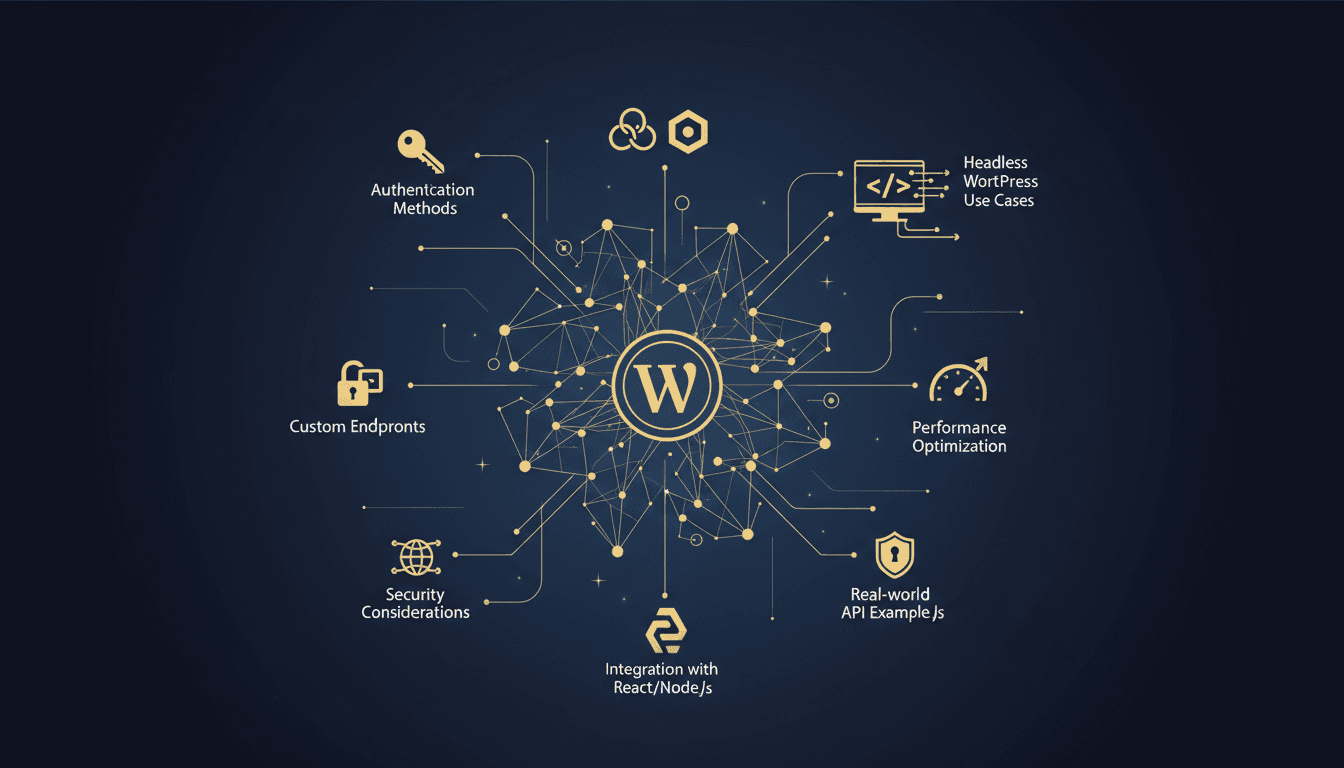
Master WordPress REST API with authentication, custom endpoints, headless WordPress, and React/Next.js integration. Complete tutorial with real examples.

AI WordPress monitoring catches problems before they cost you customers. Learn how intelligent monitoring differs from basic uptime checks and saves businesses money.

Discover what happens when you migrate from GoDaddy to managed WordPress hosting. See real performance gains, avoid common pitfalls, and get expert migration support.

Website downtime costs small businesses $137-$427 per minute in lost revenue, damaged SEO rankings, and customer trust. Learn the real financial impact.

Learn to debug WordPress errors systematically: enable WP_DEBUG, isolate plugin conflicts, fix WSOD and 500 errors with professional techniques.

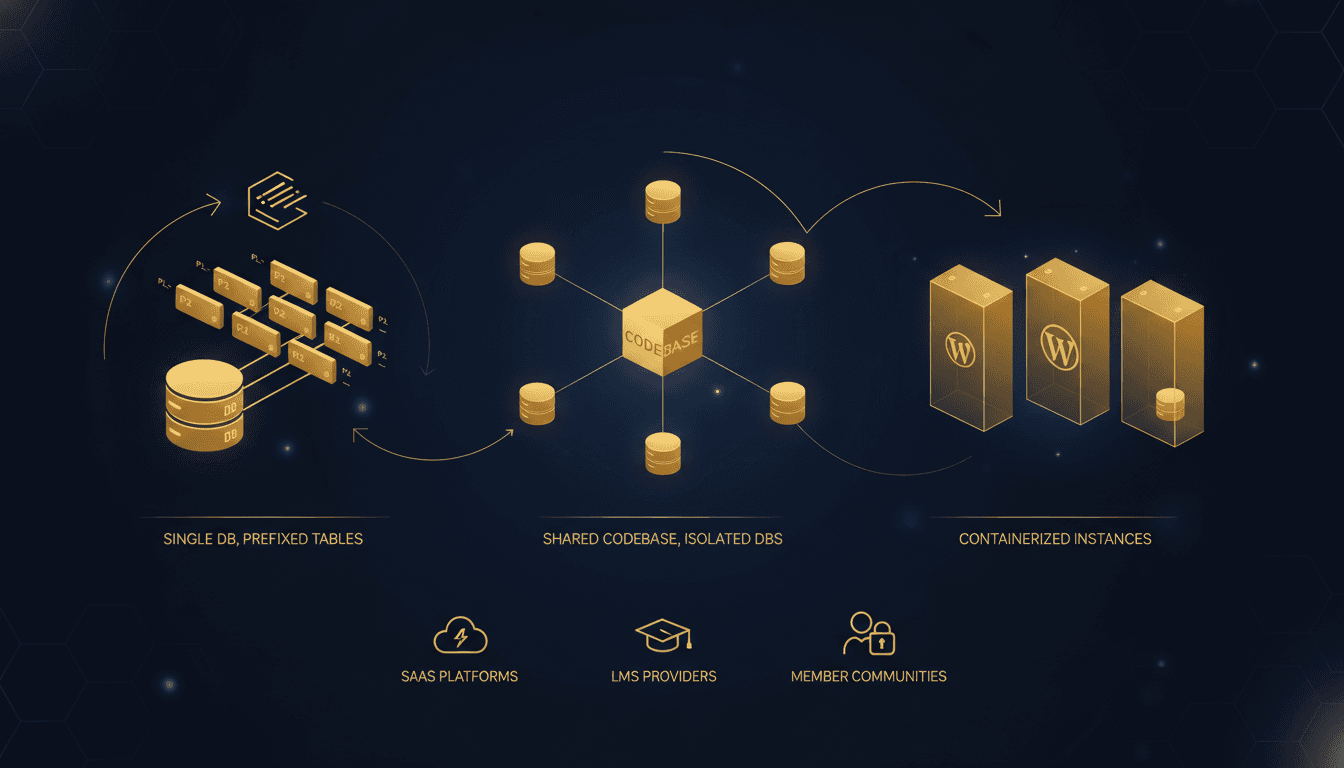
Complete guide to WordPress multi-tenancy patterns: single database vs isolated DBs, containerized instances, tenant provisioning, and scaling strategies for SaaS.

Complete guide to WordPress multilingual sites: i18n vs l10n, WPML vs Polylang comparison, hreflang setup, RTL support, and translation workflows.

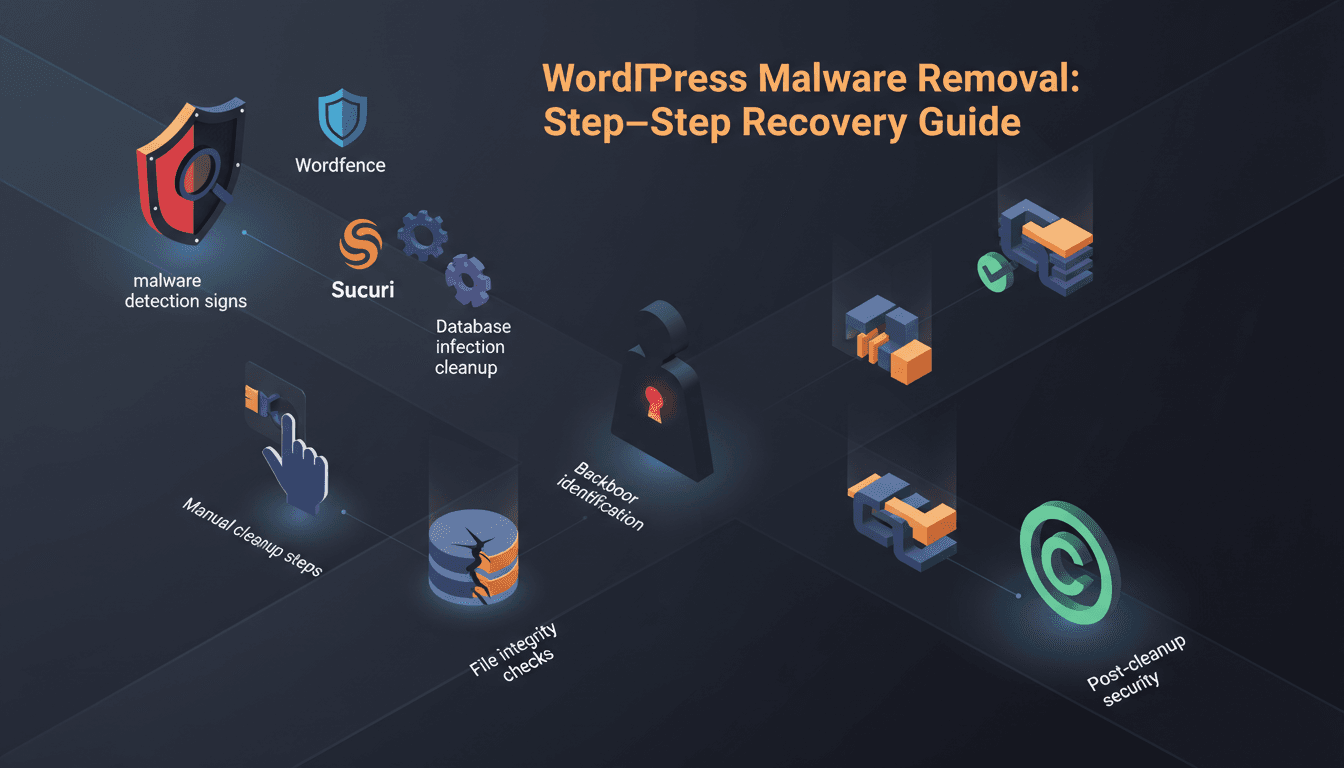
Complete guide to removing WordPress malware: detection signs, scanning tools, manual cleanup, database fixes, backdoor removal, and prevention strategies.

A technical guide to optimizing your WordPress database — covering post revisions, transients, orphaned metadata, autoloaded options, query monitoring, indexing strategies, and Redis object caching for faster load times.

A complete guide to setting up a CDN for WordPress — covering Cloudflare, Bunny, KeyCDN, and CloudFront, with step-by-step DNS configuration, SSL setup, cache rules, WooCommerce considerations, and before/after performance benchmarks.

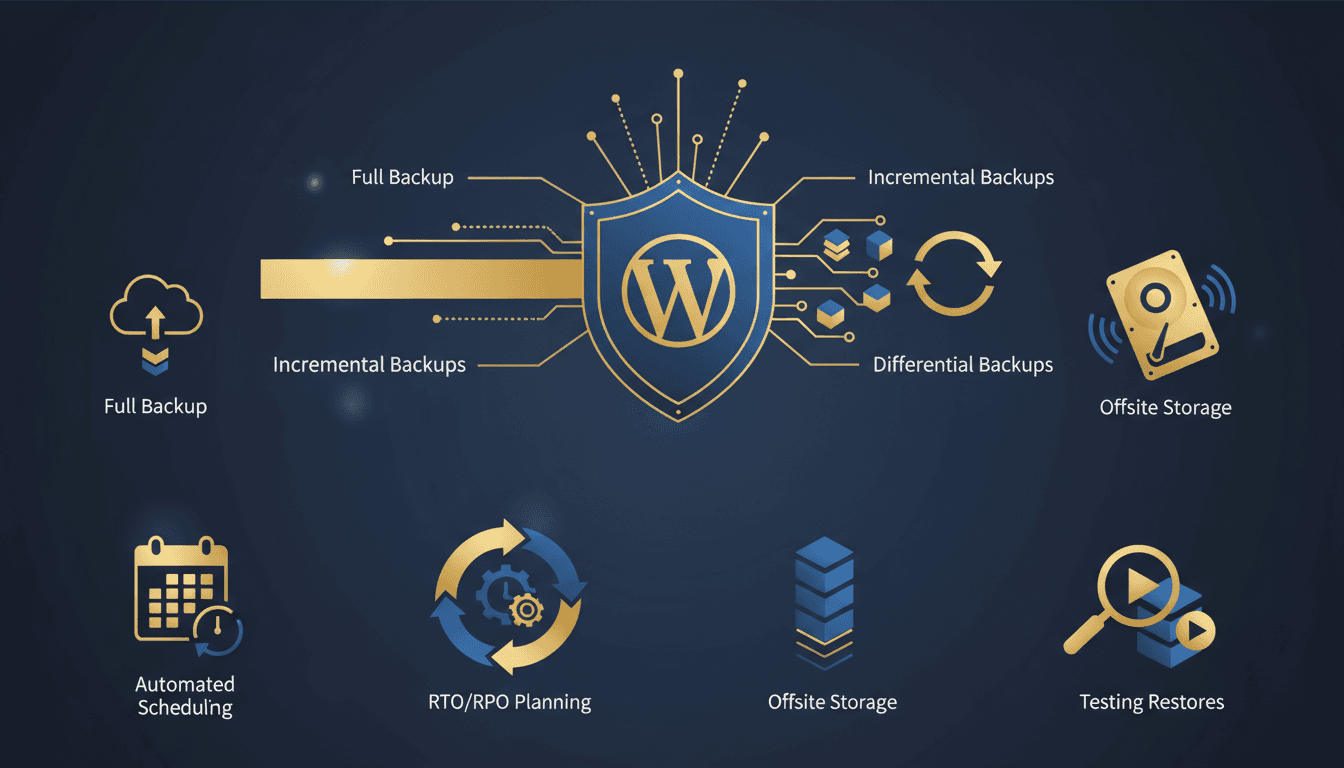
A complete guide to WordPress backup strategy — covering full, incremental, and differential backups, RTO/RPO planning, offsite storage, automated scheduling, and how to test restores so your backups actually work when disaster strikes.

A complete guide to hardening WordPress security — covering brute-force protection, plugin vulnerabilities, SSL, WAF configuration, and real-time monitoring to prevent the most common attacks.