Good vs Bad WordPress Development: How to Tell
How to tell a good WordPress developer from a bad one — 7 non-technical checks, red flags in inherited sites, and what bad builds actually cost you per year.

52 articles

How to tell a good WordPress developer from a bad one — 7 non-technical checks, red flags in inherited sites, and what bad builds actually cost you per year.

A real account of how a hosting support team wiped an entire server of client WordPress sites — and what to do when your host destroys your data.

Hackers injecting 301 redirects and sitemap spam into WordPress tanks your Google rankings fast. Here's how to detect, clean, and prevent it.

IONOS uses Riverty to collect unpaid domain renewals — even for domains you didn't want. Here's what happens and how to avoid it.

Bluehost cancellation billing problems explained — hidden auto-renewals, phantom charges, and what to do right now to get out and protect your money.

Convert your WordPress media library to WebP with the right tool for your stack. Covers plugins, CLI batch conversion, CDN transforms, and legacy URL handling.

Free online WordPress malware scanners only see your public HTML. Here's what they structurally miss — and what a real server-side scan actually checks.

Sucuri vs Wordfence malware removal compared on scan location, cloaking resistance, cleanup speed, and what each tool leaves behind.

Wordfence is a genuinely powerful WordPress security plugin. Here's exactly how its malware removal works — and the structural blind spots no plugin can fix.

The standard WordPress hack cleanup checklist leaves sites reinfected. Here's why in-WordPress scanners fail — and how server-layer scanning fixes it.

cPanel costs keep rising. Discover the best alternatives for WordPress hosting in 2026 — Plesk, CyberPanel, HestiaCP, and managed hosting that skips the panel entirely.

ADA website accessibility lawsuits are hitting small businesses hard. Learn what triggers them, how to respond fast, and reach WCAG 2.1 AA compliance cost-effectively.

Step-by-step guide to safely removing unused WordPress media files using plugins, SQL queries, and backup-first workflows that avoid false positives.

When should you replace WordPress plugins with custom code? A practical decision framework covering performance, security, and maintenance trade-offs.

Compare the top WordPress plugins for news and magazine sites — Gutenberg support, layout flexibility, ad integration, and editorial workflow for every scale.

Slow support, surprise bills, repeated downtime — 9 concrete signs your WordPress host is costing you money, with tests you can run today.

Display dynamic WooCommerce shipping messages by zone, product category, and cart contents. PHP hooks, code snippets, and plugin alternatives covered.

WordPress stuck in maintenance mode? Learn exactly how to remove the .maintenance file, why it happens, and how to prevent it—including edge cases and server timeouts.

Understand A, CNAME, MX, and TXT records, why email breaks during migrations, TTL myths, and a pre-migration DNS checklist for WordPress site owners.

Real WooCommerce integration costs for ERPs, CRMs, marketplaces, and more. Plugin vs custom dev pricing, maintenance, and a decision framework for 2026.

Discover why hacked WordPress sites get reinfected after cleanup, where backdoors hide, and how TopSyde Sentinel found 63 hidden backdoors across 340+ sites.

Your hosting renewal price just doubled. Here's why big hosts use teaser pricing, how to audit what you're really paying, and when to switch.

How to sync WooCommerce inventory and orders across Wish, Bonanza, ManoMano, and more. Plugin options, API integrations, and overselling pitfalls explained.

How to add Google Tag Manager to WordPress — plugin vs manual install, tag/trigger/variable setup, WooCommerce dataLayer, and caching pitfalls.

How Juniper Web Studio turned 28 forgotten client sites into $2,900/mo in recurring profit — and how freelancers can copy the exact playbook.

Connect WordPress to Claude via MCP server: publish posts, manage content, and query site data in natural language. Setup guide with auth, scoping, and agency workflows.

Connect WooCommerce to SAP Business One for real-time inventory sync, order automation, and customer data flow. Covers APIs, plugins, and implementation best practices.

Compare the best WooCommerce booking plugin alternatives for service businesses. Features, pricing, and implementation details for salons, consultants, and more.

How to temporarily close a WooCommerce store the right way — handle orders, protect SEO, communicate with customers, and reopen cleanly.

Complete guide to WooCommerce USPS integration — real-time rates, label printing, tracking, and fixing the most common configuration failures.

Shared vs managed WordPress hosting compared on performance, security, support, and true cost. Find out which is right for your business in 2026.

Complete guide to WordPress Facebook integration: auto-posting, Pixel tracking, social login, and content syndication. Implementation details and best practices.

Learn how to serve WordPress media from S3, Cloudflare R2, or a CDN. Step-by-step implementation for high-traffic sites with real performance data.

Master WordPress revisions, auto-saves, and snapshot rollbacks. Native settings, plugin options, and hosting-level strategies for safe, reliable recovery.

Exposed readme.txt files reveal plugin versions to attackers. Learn what data they leak, how to block them in NGINX and Apache, and harden your WordPress site.

A technical guide to switching WooCommerce payment gateways without disrupting transactions — covering migration timelines, data handling, and customer communication.

Step-by-step WooCommerce analytics setup guide comparing GA4 and native tools. Learn which tracking method drives better decisions for your store.

How to host WordPress Multisite networks: server requirements, domain mapping, resource allocation, nginx config, and scaling strategies for 2026.

Step-by-step guide to fix NGINX WordPress permalinks 404 errors. Server configuration, rewrite rules, and troubleshooting common misconfigurations.

Master WordPress updates with staging workflows, compatibility checks, and rollback strategies. Complete guide for safe core, plugin, and theme updates.

Complete guide to WordPress plugin update testing workflows for agencies. Staging environments, automated testing, and risk mitigation strategies for client sites.

When WordPress plugins disappear from the directory, it signals serious security risks. Learn what triggers removal and how to protect your sites from abandoned plugins.

A step-by-step guide to auditing your WordPress plugins — covering security vulnerabilities, performance impact testing, redundancy elimination, update strategies, and when to replace plugins with code.

Learn how freelancers and agencies price WordPress care plans profitably. Includes pricing tiers, service bundles, and margin calculations using managed hosting.

Learn to debug WordPress errors systematically: enable WP_DEBUG, isolate plugin conflicts, fix WSOD and 500 errors with professional techniques.

Master WordPress accessibility with our WCAG 2.2 compliance guide. Learn accessible themes, plugin audits, screen reader testing, and legal requirements.

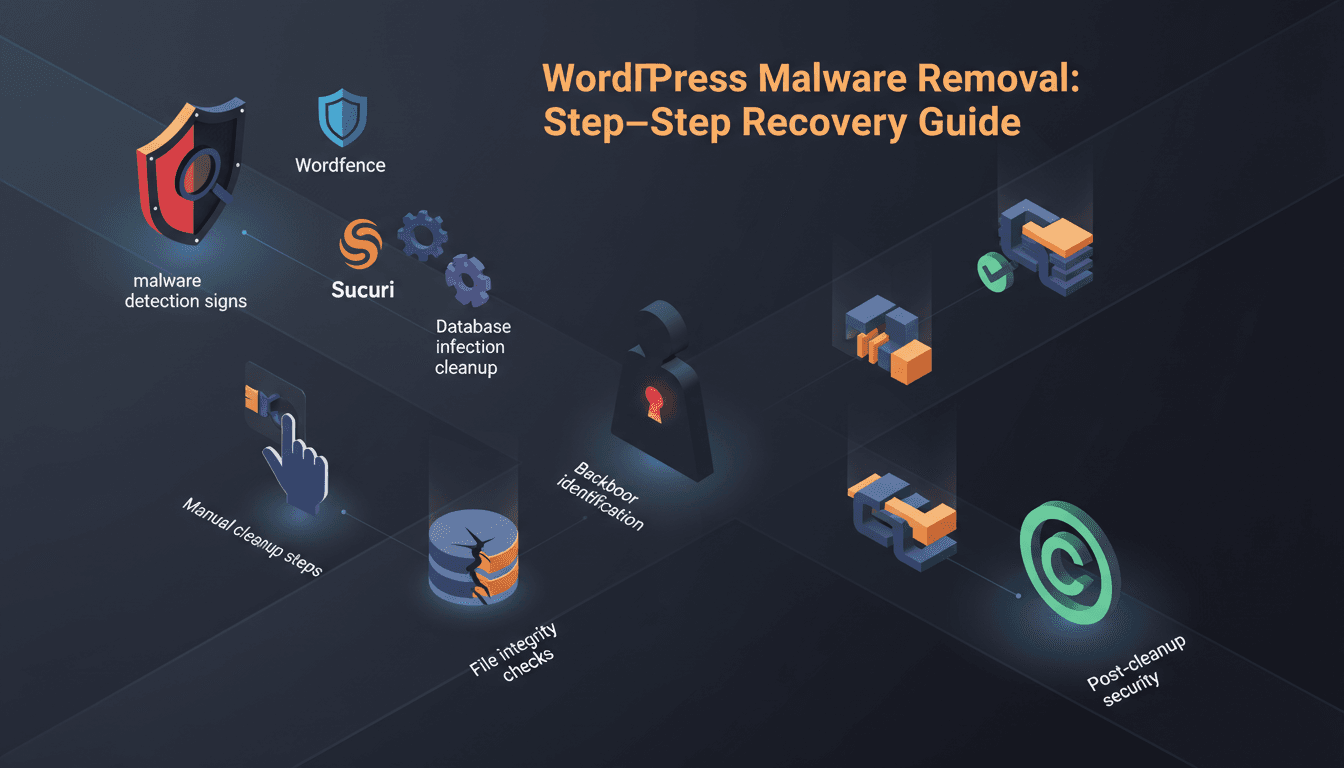
Complete guide to removing WordPress malware: detection signs, scanning tools, manual cleanup, database fixes, backdoor removal, and prevention strategies.

Master WordPress agency workflow management for 10-100+ client sites with automated maintenance, staging, monitoring, and white-label solutions.

WordPress emails not sending? Learn why default wp_mail() fails and how to fix deliverability with SMTP, SPF/DKIM records, and transactional services.

A technical guide to optimizing your WordPress database — covering post revisions, transients, orphaned metadata, autoloaded options, query monitoring, indexing strategies, and Redis object caching for faster load times.

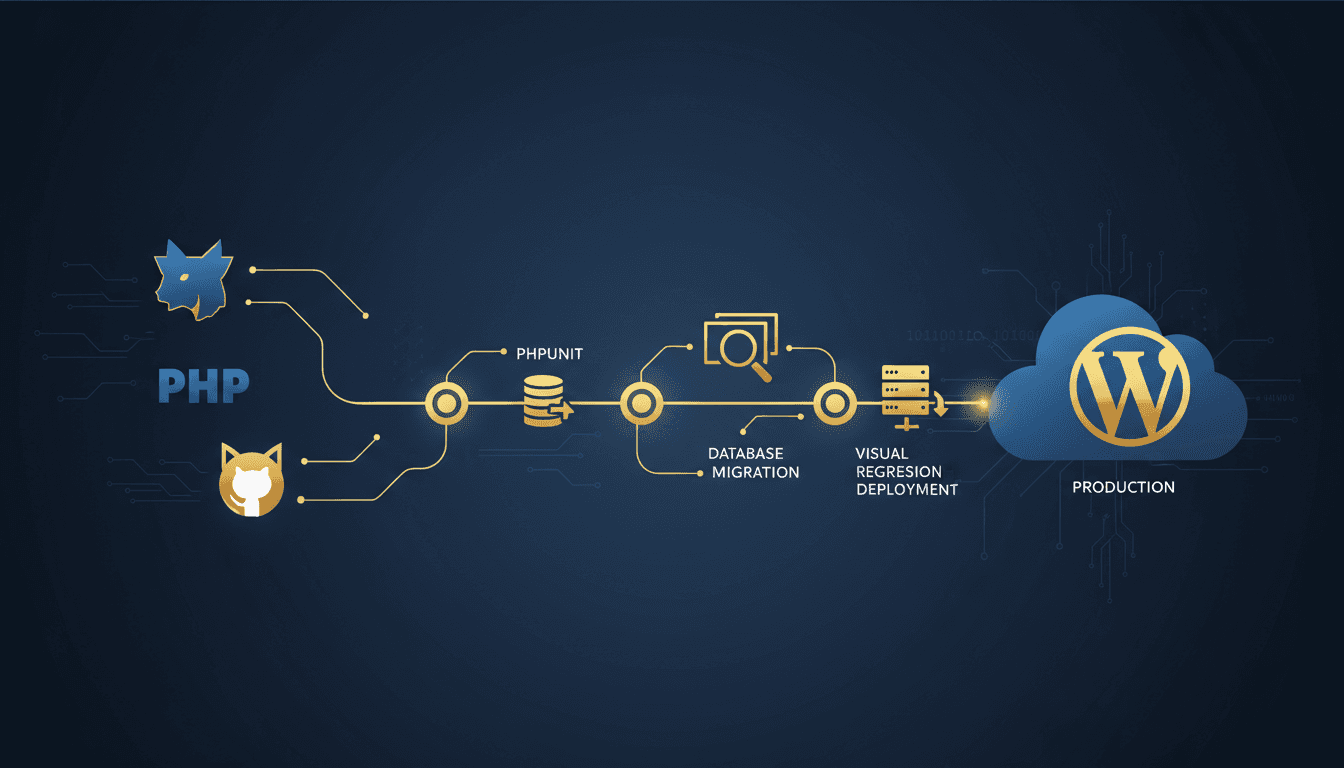
Complete guide to WordPress CI/CD pipelines with GitHub Actions, automated testing, zero-downtime deployments, and rollback strategies for modern development.

A complete guide to hardening WordPress security — covering brute-force protection, plugin vulnerabilities, SSL, WAF configuration, and real-time monitoring to prevent the most common attacks.